Lean principles / Heijunka
Heijunka and visual planning: level the workload, show it to everyone
Heijunka means levelling: alternating products in small batches instead of running one for days, so the line, suppliers and logistics work at a steady pace. Planning becomes visible on a board with slots by time window, where each slot holds a kanban.
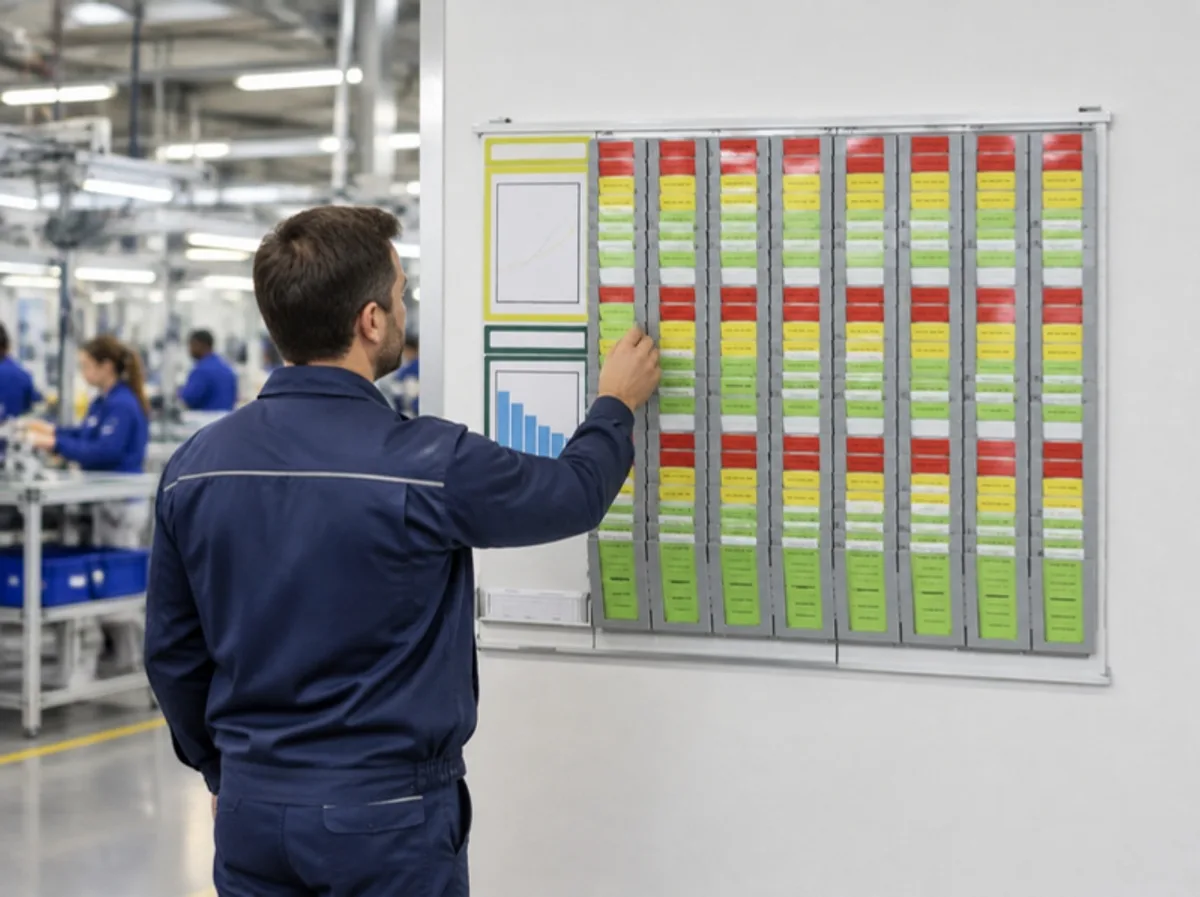
Slots by time window
Traffic light and symbols
Documents and KPIs on the shop floor
Why levelling pays off
Producing in large batches looks efficient, but it creates peaks: rising inventory, suppliers chasing, logistics rushing. By levelling mix and volumes, the workload becomes steady and inventory drops along the whole chain.
The heijunka board makes the plan physical: rows per product, columns per time window, one card per batch. Whoever replenishes takes the kanban for the time window and knows what to bring, without asking.
How to spot it on the shop floor
Signal 1
The production plan changes several times a day, and on the shop floor people find out when their shift starts.
Signal 2
Large batches of the same part number and warehouses full of products "just in case".
Signal 3
Shop floor meetings without a board showing status and priorities.
01
The heijunka box
A slotted board: rows per product, columns per time window, one kanban per slot.
The problem
Production sequence kept in a file or on a sheet that nobody on the shop floor checks.
The solution
Interlocking Systembox to build the grid, complete starter sets, Cardplan® pocket boards and dividers to separate the time windows.
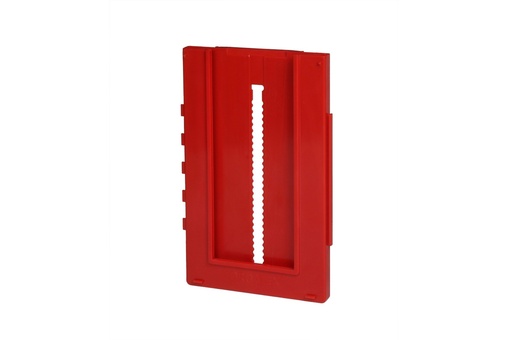
Systembox
Interlocking card holders
In rows and columns for kanban, traffic-light and heijunka boards; 8 colours.
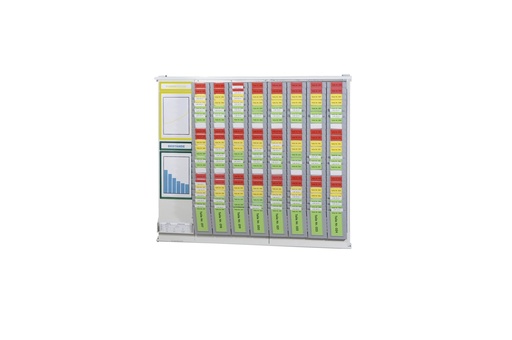
Kanban Starter Set
Complete board
Boards, Systembox, holders and cards for 200, 300 or 400 cards.
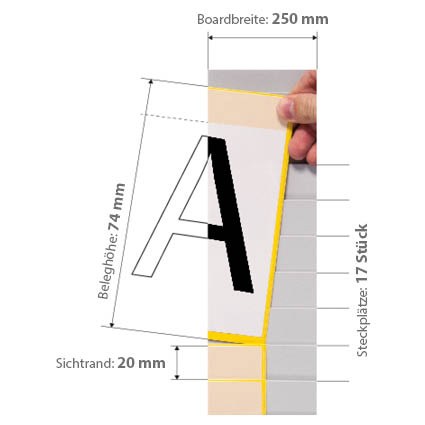
Cardplan® – Insertion board
Overlapping pockets
For cards and sheets from 74 to 297 mm; kanban, heijunka and visual management.
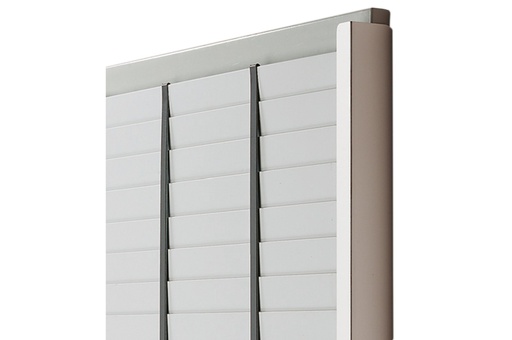
Vertical divider for Cardplan
Columns by time window
Divides the panel into columns by part number, line or time window.
See also: Kanban and heijunka boards · Systembox
02
Status readable from a distance
Red, yellow, green: anyone walking past the board immediately sees what is running late.
The problem
Delays discovered at the end of the shift, priorities passed on by word of mouth.
The solution
Traffic light for Cardplan® pockets, flip-over red/green magnetic symbols and a mobile stand to take the board wherever the meeting is held.
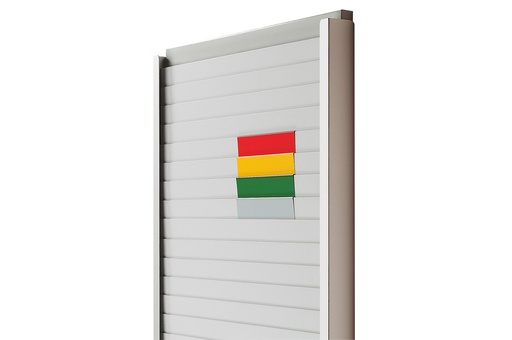
Traffic light system for Cardplan
Red, yellow, green
Corner pieces that slip onto the pockets: the board becomes a kanban traffic light.
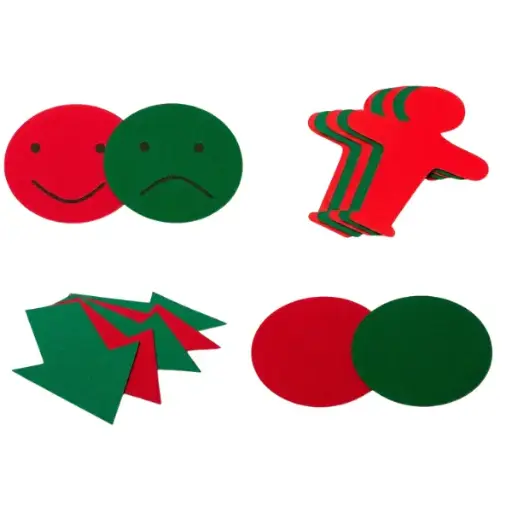
Double-sided magnetic symbols
Red on one side, green on the other
Change the status by flipping them, no writing needed.
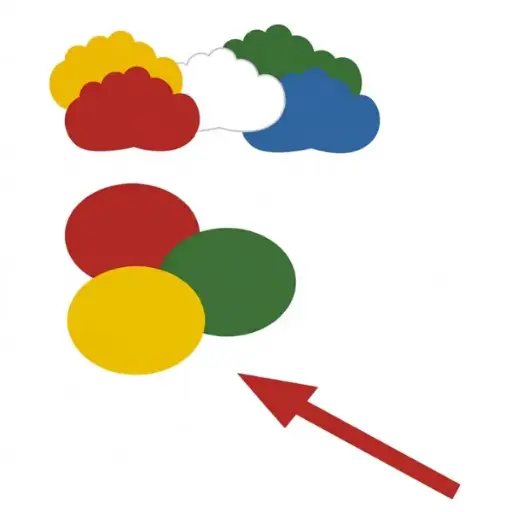
Magnetic symbols
Arrows, circles and clouds
Writable; for value stream mapping, PDCA and shop floor meetings.
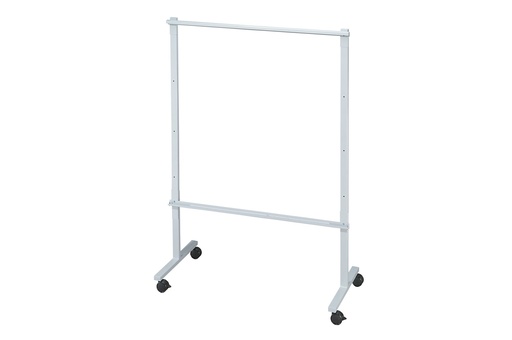
Cardplan® – Mobile stand
Board on wheels
Integrated rails, double-sided use, 1800 mm high.
See also: Magnetic symbols and smileys · Information boards
03
The plan and KPIs on the shop floor
Weekly plan, KPIs and open actions on the same wall as the heijunka box.
The problem
Sheets taped to the wall, KPIs updated once a month in the office.
The solution
Whiteboards that sit alongside the Cardplan®, magnetic windows and frames for sheets, snap frames for documents that change often.
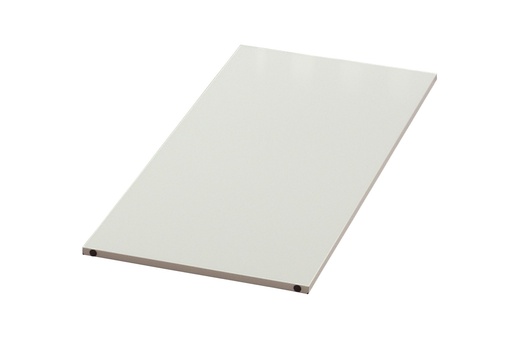
Cardplan® – Whiteboard
Sits alongside the Cardplan®
Metal, 250 or 500 mm wide; also fits the mobile stand.
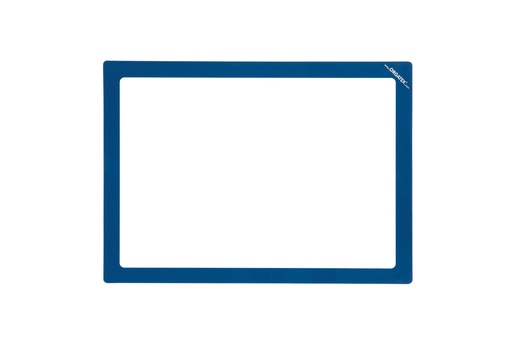
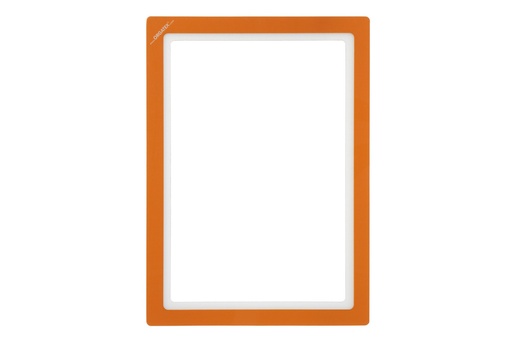
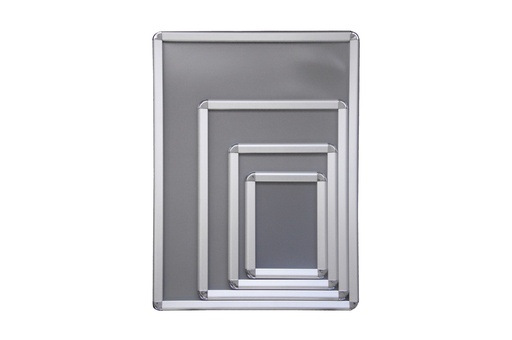
Aluminium information board
Snap frame
For plans, shifts and indicators that change often.
See also: Information boards · Information board buying guide
Tools to get started
VSM, PDCA and KPI boards
Card holders, mailboxes and Systembox
Build your board and card holders
Have an industrial project to develop?
Choose where to start. Or call us: +39 0434 572757.
Robot demo at your site
We bring the robot to your shop floor and you see it working on your own routes.
On-site visit
We come to see your shop floor, flows and spaces, and propose the right solution.