
Information boards
Boards: everyone sees the same status
Whiteboards and insertion boards, magnetic symbols and smileys, writable magnetic labels, sheets and tapes, Magnetic Windows® and writing accessories: for value stream mapping, PDCA, shop floor management meetings and always up-to-date department KPIs.
- Everyone sees the same status: KPIs, actions and priorities hang in the department, without opening a file
- Updated in one move: move a magnet, turn a symbol, change a sheet
- Grows with the process: modular panels, magnets and accessories are added one piece at a time
What they are used for
1. Value stream mapping
steps and times in marker, flows and problems with magnets
2. PDCA and improvement
action plans, kaizen, A3: who does what and by when
3. Department meeting and KPIs
shop floor management and KPIs
4. Planning
orders, heijunka, shifts
5. Machine and line status
checks, maintenance, 5S
Categories
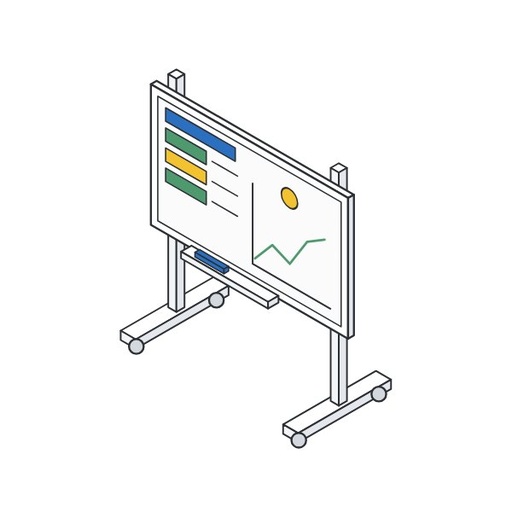
Boards
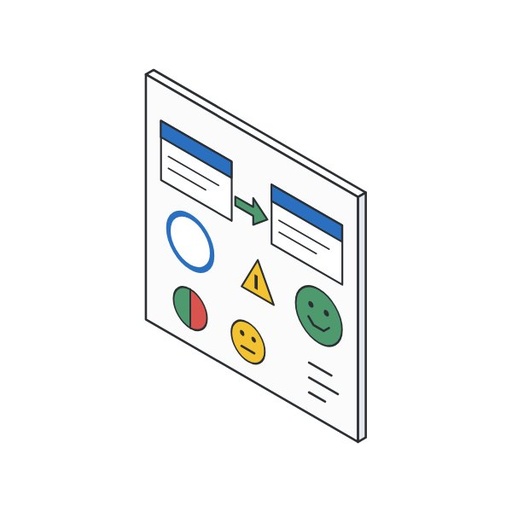
Magnetic symbols and smileys
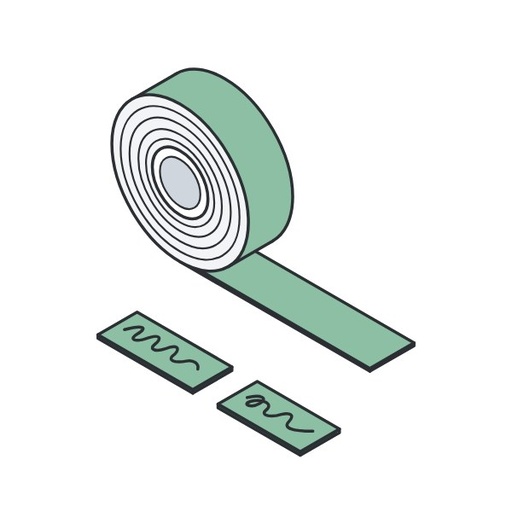
Magnetic labels and sheets
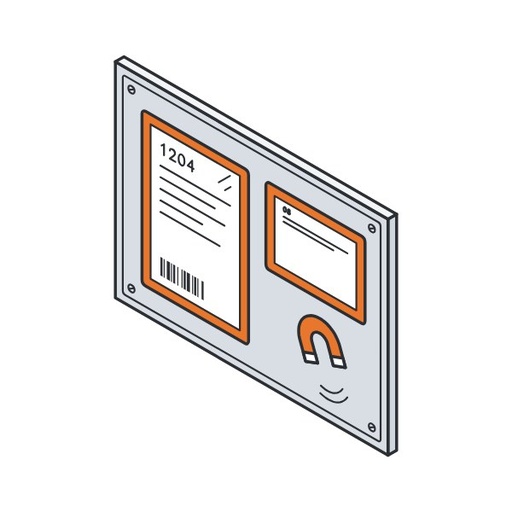
Magnetic Windows®
Board accessories
The most chosen products

What do you want to manage on the board?
Where does it go?
What will you put on it?
Choose the most important item.
What you need for each use
Value stream mapping (VSM)
Map the value stream with your team: steps and times in marker, flows and problems with magnets you can move while you discuss them.
- Board
- Cardplan® – Whiteboard · several panels side by side for a long map
- Cardplan® – Mobile Board Stand · to take the map to the workshop
- Magnetic products
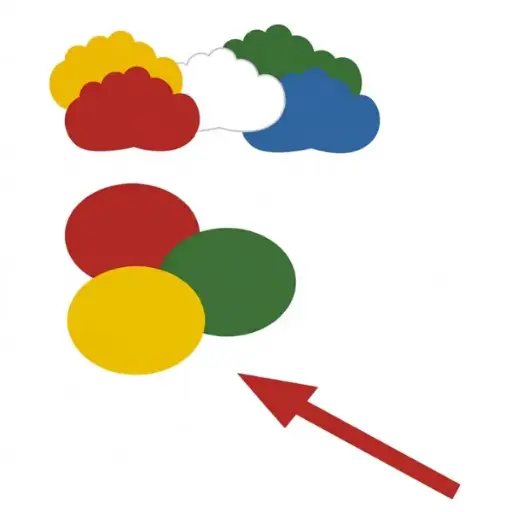
- Magnetic Symbols · arrows, circles and clouds
- Writable Magnetic Labels · data under each step
- Writable Magnetic Strips · dividers and timeline
- Printable Magnetic Sheets A4 · custom-printed icons
- Accessories
- Magnetic Eraser and Marker Holder · markers and eraser on the board
PDCA and continuous improvement
Follow the Plan, Do, Check, Act cycle and the improvement actions: who does what, by when, and how far along it is.
- Board
- Cardplan® – Whiteboard · four columns for the phases of the cycle
- Magnetic products
- Writable Magnetic Strips · to divide the columns
- Magnetic Symbols · circles with the initials of the person responsible
- Double-Sided Magnetic Symbols · open in red, closed in green
- Magnetic Windows® – Magnetic Window · the A3 report in a window
- Accessories
- Magnetic Eraser and Marker Holder · markers and eraser
Team meetings and KPIs
Shop floor management: in a few minutes the team reviews the day’s KPIs, problems and actions in front of the board.
- Board
- Cardplan® – Whiteboard · wall-mounted
- Cardplan® – Mobile Board Stand · on wheels, where the meeting is held
- Magnetic products
- Status Smileys for Boards · green, yellow or red for each KPI
- Magnetic Windows® – Magnetic Window · charts and forms without sleeves
- Magnetic Windows® – Magnetic Title · a title for each area
- Writable Magnetic Labels · names, notes and actions
- Accessories
- Magnetic Marker Holder, 4 Slots · one marker per colour
Planning and kanban
Orders, heijunka sequence, shifts and kanban cards on a board the department reads at a glance.
- Board
- Cardplan® – Insertion Board · pockets for cards and orders
- Cardplan® – Whiteboard · next to it, for notes and shifts
- Cardplan® – Mobile Board Stand · if the board moves
- Magnetic products
- Writable Magnetic Strips · grid of days and shifts
- Writable Magnetic Labels · names of lines and people
- Magnetic Document Holder · cards on steel shelves and machines
- Accessories
- Magnetic Marker Holder, 4 Slots · markers within reach
Machine, line and 5S status
Anyone walking through the department immediately sees which machines are OK, which need checking and which are down.
- Board
- Cardplan® – Whiteboard · with the department layout
- Aluminium Information Board · for wall plans and notices, from A4 to A0
- Magnetic products
- Status Smileys for Boards · one magnet per machine
- Double-Sided Magnetic Symbols · 5S audit: red or green
- Magnetic Windows® – Frame · forms to fill in at the machine
- Magnetic Document Holder · instructions and checklists in a sleeve
- Accessories
- Magnetic Marker Holder · marker on the machine
A different case?
Several departments with the same legend, very large boards, non-metallic surfaces or a board that combines kanban and KPIs: we set it up with you and give you the list of what you need.
Ask for advice →How to set up a VSM board and a PDCA board
A VSM board in 5 steps
- Choose a product family and define the flow: from supplier to customer, or door to door in your plant.
- Draw the process steps in marker from left to right, with supplier and customer at the ends and inventories between steps.
- Under each step place awritable magnetic label with the data collected on the shop floor, such as cycle time, changeover and operators.
- Connect the steps with the magnetic arrows: information flow at the top, material flow in the middle, timeline at the bottom.
- Mark waste, waiting and bottlenecks with clouds; then draw the future state and turn each cloud into an action with an owner and a deadline.
A PDCA board in 5 steps
- Divide the board into four columns, Plan, Do, Check and Act, with the writable magnetic strips, and give each column a title.
- Plan: write down the problem, the measurable target and the causes identified; the A3 report or the printed analysis goes in a magnetic window.
- Do: one symbol for each action, with the initials of the person responsible and the deadline written on or next to it.
- Check: compare the result with the target and mark it with a status smiley green, yellow or red.
- Act: if the action works, make it standard and close it by flipping the double-sided symbol to green; if not, start a new cycle.
Write the colour legend in a corner of the board: anyone who comes to the board reads it without explanations.
Magnetic products compared
| Product | Writable | Format | What it is for |
|---|---|---|---|
| Symbols and status signals | |||
| Magnetic Symbols | Yes water-based markers | Arrow, circle, cloud 0.9 mm magnet, 5 pieces per pack | VSM, PDCA and meetings: flows, problems and actions |
| Double-Sided Magnetic Symbols | No they flip: red or green | Figure, smiley, arrow, circle 1.1 mm magnet, 5 pieces | Two-level statuses that change every day |
| Status Smileys for Boards | No one magnet per colour | Magnetic Ø 36 mm, 10 pieces stickers Ø 30 mm, 1,200 pieces | KPIs and machines: green, yellow, red |
| For writing and cutting | |||
| Writable Magnetic Labels | Yes water-based markers | 32 formats, from 20 × 60 to 70 × 150 mm 0.9 mm, 5 colours | Names, numbers, notes, data for each step |
| Writable Magnetic Strips | Yes with markers | 600 mm strips, 10 to 100 mm wide 0.9 mm, 5 colours | Rows, columns and lanes of the board |
| Writable Magnetic Sheets | Yes with markers | From 200 × 300 to 600 × 600 mm 0.9 mm, 5 colours, can be cut with scissors | Custom shapes and writable areas |
| Printable Magnetic Sheets A4 | Printable inkjet printers | A4, 10 sheets white surface | Custom symbols, legends and headers |
| Self-Adhesive Magnetic Tape | No acts as a magnetic base | 600 mm strips, 20 to 100 mm wide 0.75 mm, adhesive back | Base for magnets on wood and plastic |
| Sheets and documents | |||
| Magnetic Windows® – Magnetic Window | Yes on the transparent part, non-permanent markers | From A5 to A1 edge in 8 colours | Displays and protects the sheet, without sleeves |
| Magnetic Windows® – Frame | On the sheet the centre is open | A4 and A3 portrait and landscape | Forms to fill in on the board or on the machine |
| Magnetic Windows® – Magnetic Title | Yes non-permanent markers | 70 mm high for A4 and A3 windows | Titles for the board areas |
| Magnetic Document Holder | No the sheet is changed in the sleeve | From A7 to A4 1, 2 or 4 strips or full surface | Cards and instructions on machines and shelves |
All magnetic products stick to magnetic boards and steel surfaces. For writing that must last, use a permanent marker on the writable magnetic labels. All models: symbols and smileys · magnetic labels and sheets · Magnetic Windows®.
Boards, supports and accessories
| Product | Dimensions | Where | What it is for |
|---|---|---|---|
| Boards and supports | |||
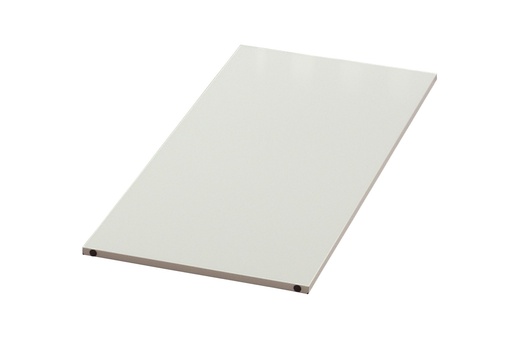
| Cardplan® – Whiteboard | 250 or 500 mm wide 440, 795 or 1085 mm high | Wall-mounted or on the stand with aluminium Z-profiles | Writing with markers, holding magnets and windows |
| Cardplan® – Insertion Board | 250 or 500 mm wide, 440 to 1244 mm high cards from 74 to 297 mm, visible edge from 15 to 90 mm | Wall-mounted, on metal surfaces or on the stand with profiles, rails or magnetic strips | Kanban cards, orders, heijunka, staff |
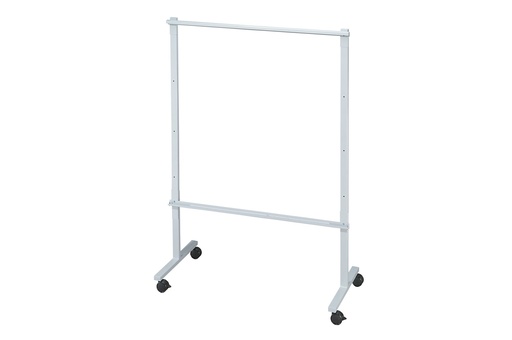
| Cardplan® – Mobile Board Stand | 1290, 1540, 1790 or 2040 mm wide 1800 mm high, 600 mm deep | Mobile, on wheels usable on both sides | Holds Cardplan® boards and whiteboards from 440 to 1244 mm high |
| Cardplan® – Additional Rails for Stand | As long as the stand upper and lower pair | On the board stand | Doubles the stand capacity |
| Aluminium Information Board | From A4 to A0 32 mm aluminium profile | Wall-mounted 4 hidden fixing holes | Plans, shifts and notices on paper, changed from the front |
| Writing accessories | |||
| Magnetic Marker Holder | 32 × 38 × 30 mm | On a board or steel magnetic | One marker up to Ø 12 mm |
| Magnetic Marker Holder, 4 Slots | 130 × 154 × 40 mm | On a board two magnetic strips | Four markers, one per colour |
| Magnetic Eraser and Marker Holder | 95 × 170 × 80 mm | On a board magnetic back | Up to 7 markers and the eraser in the lid |
Cardplan® whiteboards have the same widths as the insertion boards and three of the four heights: place them side by side to form a single board. All models: boards · accessories for information boards.
The LeanProducts service
- We set up the board with youTell us what you want to show, VSM, PDCA, KPIs or team meetings: we suggest board, symbols, colours and accessories.
- Boards and accessories togetherCardplan® boards, mobile stand, Magnetic Windows®, magnetic strips and labels: the whole board from a single supplier.
- More departments, same rulesFor several boards or several plants we prepare a quote with the right quantities, so every board uses the same legend.
Send us a photo or a sketch of the board you want to build: we tell you what you need and in what quantities.
Frequently asked questions
Which board do you need for visual management on the shop floor?
It depends on what you put on it. To write with markers and use magnets, symbols and windows for sheets, you need a metal whiteboard, such as the Cardplan® whiteboard. For kanban cards, orders and job cards read from the edge, you need the Cardplan® insertion board, with overlapping pockets. They are often used side by side, because they have the same widths.
Wall-mounted board or mobile on a stand?
Wall-mounted if the board always stays in the same place and there is a free wall near the department. The board stand is the right choice if meetings are held in different places, if you cannot drill the walls or if you want to use both sides: for example KPIs on the front and actions on the back. It is 1800 mm high, from 1290 to 2040 mm wide, and holds boards from 440 to 1244 mm high.
Can I use magnets and symbols without a board, on shelves or machines?
Yes, on any steel surface: machine sides, cabinets, shelves. Labels, strips, magnetic sheets, symbols, smileys and Magnetic Windows® stick directly. On wood, plastic or walls, first create a base with the self-adhesive magnetic tape.
How do you make a value stream mapping board?
On a large whiteboard, draw the process steps, inventories and timeline in marker; the data for each step goes on writable magnetic labels. Use arrows to connect material and information flows, and clouds to mark waste and bottlenecks. During the workshop you move the magnets without redrawing the map.
How do you set up a PDCA board?
Divide the board into four columns, Plan, Do, Check and Act. In Plan write the problem, target and causes, in Do place a symbol for each action with owner and deadline, in Check mark the result with a smiley, in Act close the action or start a new cycle. Double-sided symbols show at once what is open and what is closed.
What do you need for team meetings and shop floor management?
A board with one row for each KPI, such as safety, quality, delivery and productivity, status smileys for the day’s assessment and Magnetic Windows® for charts and forms. Next to it, a space for actions and owners, written on magnetic labels. If the meeting is held standing on the shop floor, the mobile stand takes the board where it is needed.
Magnetic symbols, double-sided or smiley: which should I choose?
It depends on how many statuses you need and whether you want to write on them. Magnetic symbols, arrows, circles and clouds in up to 5 colors, can be written on: they are suited to VSM and action plans. Double-sided symbols are red on one side and green on the other and can be flipped. Smileys give three statuses: green, yellow and red. You can use them together on the same board.
Which markers can I use on magnetic labels and symbols?
With water-based markers: the writing wipes off with a damp cloth and the magnet can be reused. For writing that needs to last, use a permanent marker on the magnetic labels. On the transparent part of Magnetic Windows® and on the magnetic title, write with non-permanent markers.
How do I display A4 sheets and charts without plastic sleeves and pins?
With Magnetic Windows®: place the sheet on the board or on steel and cover it with the window, magnetic on three sides, from A5 to A1. If the sheet is to be filled in by hand, use the frame with the open center; to give each area a title, use the 70 mm high magnetic title. On machines, the magnetic document holder, from A7 to A4, also works well.
Can I print custom symbols and legends?
Yes, with printable A4 magnetic sheets and an inkjet printer: print icons, color legends, line names or product photos, then cut them out and attach them to the board. They are not compatible with laser printers.
Can the board be extended later?
Yes. Cardplan® boards, both whiteboards and insert boards, can be placed side by side, and you can add more of the same height. On the mobile stand the total width reaches 2040 mm; on the wall it depends on the brackets. Magnets, symbols and accessories can be added when needed.
Can you help me design the board?
Yes. Send us a photo or a sketch and tell us what you want to show and where the board will go: we will propose panels, magnetic items and accessories with quantities. For several departments or plants we prepare a single quote, with the same legend for all.