Cardplan® – Insert board
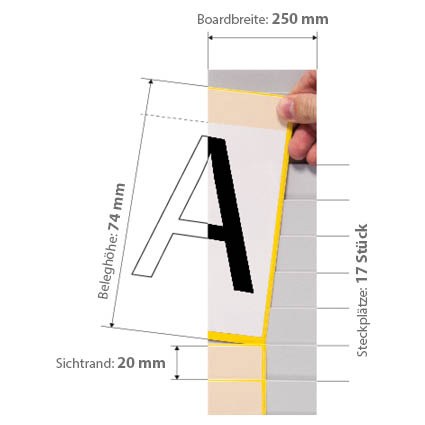
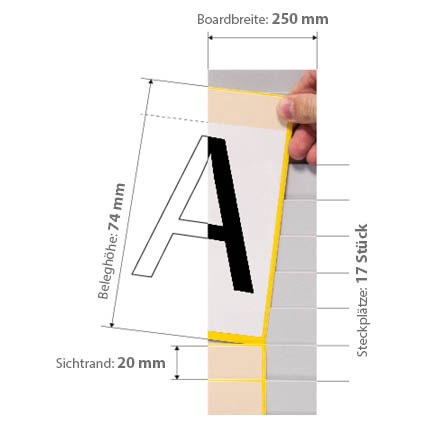
Board with overlapping pockets for kanban cards, orders and sheets from 74 to 297 mm: visible edge 15 to 90 mm, width 250 or 500 mm, height 440 to 1244 mm. For kanban, heijunka and visual management.
Kanban system · Cardplan® boards
Cardplan®: insert kanban and heijunka board for cards, orders and visual management
Overlapping pockets, one below the other, into which you slip kanban cards, work orders or sheets: only the edge of each document remains visible, with the information you need. The ORGATEX Cardplan® board becomes a traffic-light kanban board, a time-slot heijunka board or a visual management board for orders, jobs and staff. Metal panel, cards from DIN A8 to A4, width 250 or 500 mm and four heights.
Want to put together your Cardplan® board? Open the configurator →
Why choose it
Read the edge, not the whole sheet
Each pocket leaves the edge of the document on view: code, customer, deadline. Dozens of cards in little space, tidy.
Inserted and removed by hand
The pockets hold a single sheet or small bundles up to 2 mm in place: the card stays in position until you take it.
Modular and expandable
The panels are placed side by side in the width you need and combine with Cardplan® whiteboards of the same height.
Zones and headings
Coloured corner pieces for the traffic light, dividers for the columns and label holders for the headings turn the board into a kanban board.
Choose it if…
- You manage many kanban cards or orders and want to read them at a glance from the edge.
- You need a heijunka board with columns for time slots or days.
- You want a board for visual management of jobs, orders, maintenance or staff shifts.
- You use cards or documents of different formats, from DIN A8 to A4.
Choose another solution if…
- You want one card per position, in interlocking boxes, with a colour traffic light: Systembox →
- You want to start with a complete kanban board, already sized: Kanban Starter Set with Systembox →
- You need a smooth surface next to the board, for writing or fixing Systembox: Cardplan® – Whiteboard →
Not sure which one to choose? Use the selection guide →
One board, many uses
Cardplan® is a kanban board and a visual management board: only what you put in the pockets changes.
- Traffic-light kanban board: one column per code; the cards of the empty containers enter from the bottom and the green, yellow and red corner pieces tell you when to produce
- Heijunka board: columns for time slots or days, rows for product or line; each pocket is an order in the levelled sequence
- Lot size kanban: the cards accumulate up to the defined lot, marked with the coloured corner piece
- Orders and jobs: work sheets by department or machine, moved column by column as they progress
- Staff and maintenance: one card per person or per intervention, on the department board or the shift meeting board
With the board stand on castors the board moves to the department meeting point.
Accessories to divide and mark the board
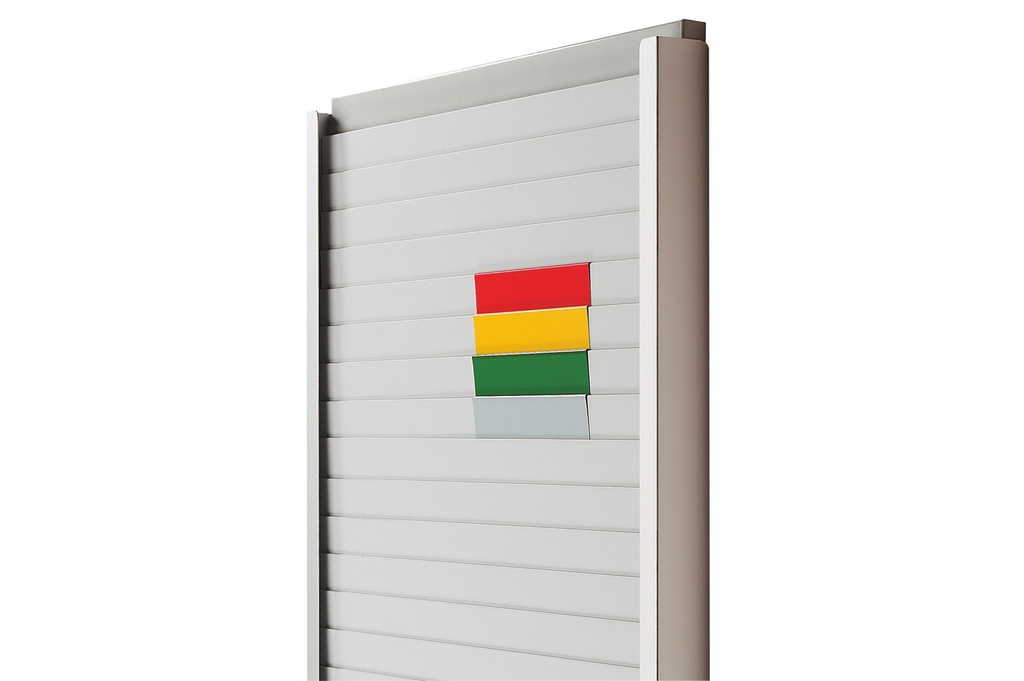
Traffic light system
Red, yellow and green corner pieces to slip onto the pockets for the kanban zones; in grey they act as a horizontal divider.
View product →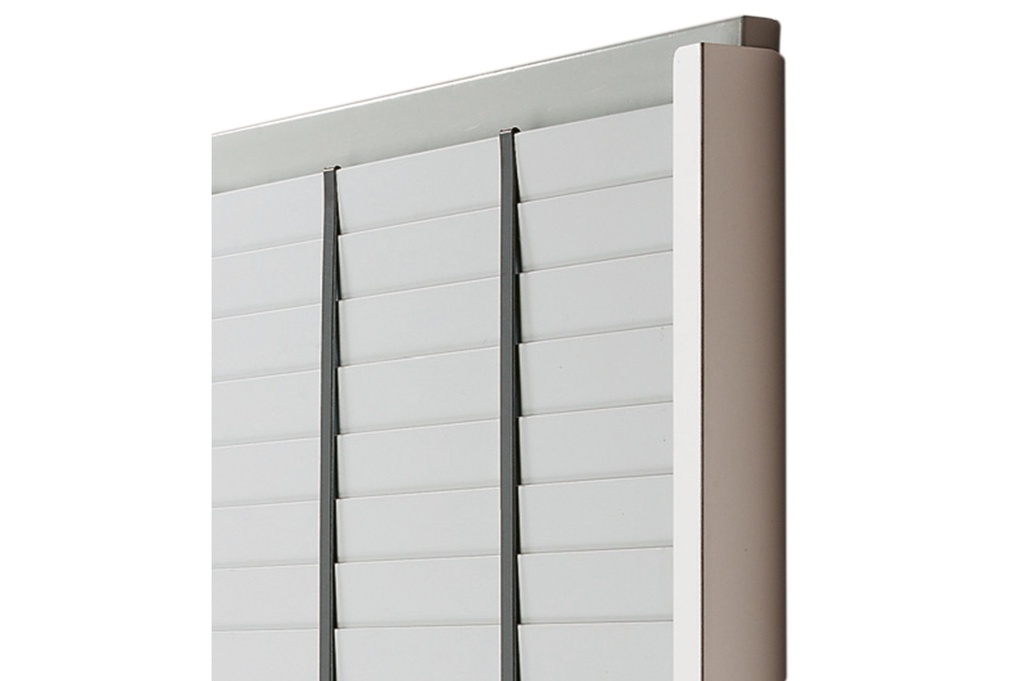
Vertical divider
Profile that divides the panel into columns: codes, lines, time slots.
View product →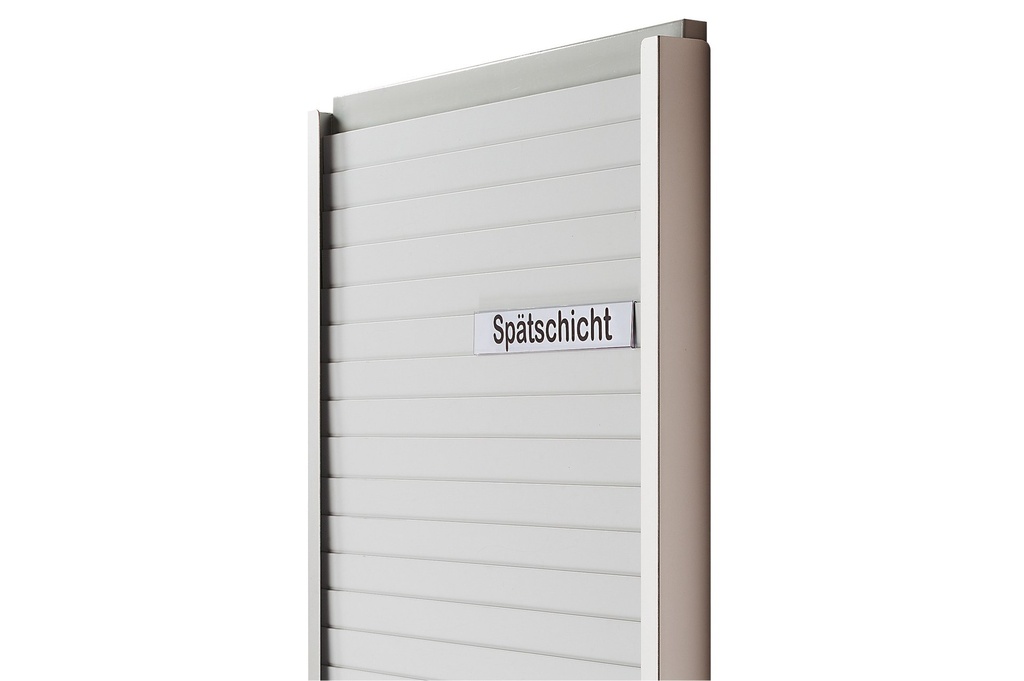
The aluminium side stops, already fitted on many versions for 210 and 297 mm cards, can also be ordered separately.
How it is mounted
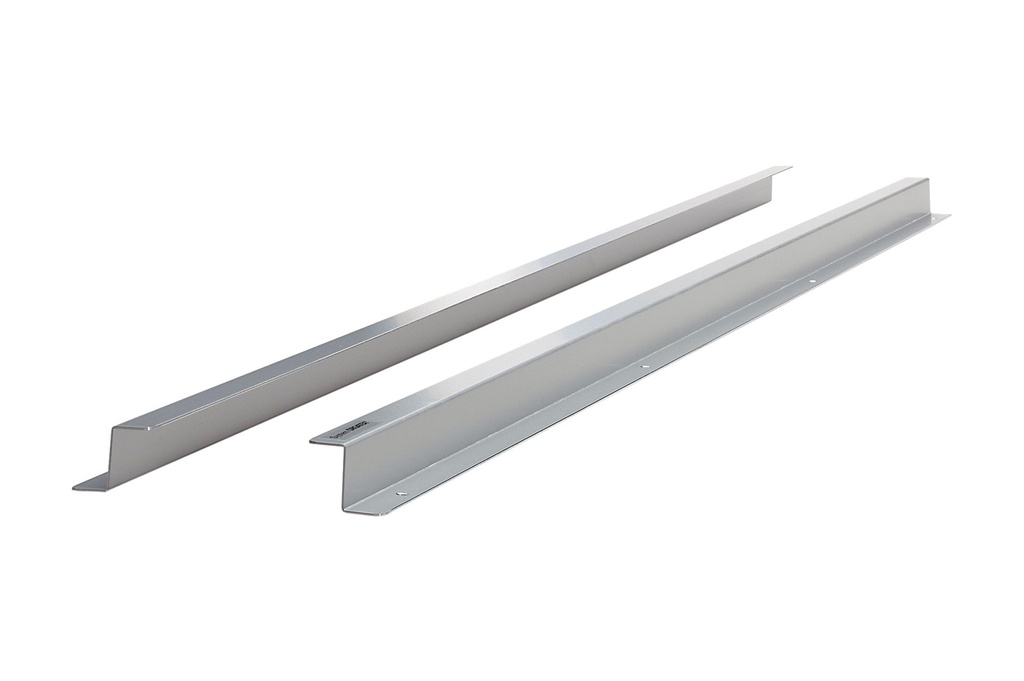
Wall-mounted with Z profiles
Pair of aluminium profiles, upper and lower, in 500, 750 or 1000 mm.
View product →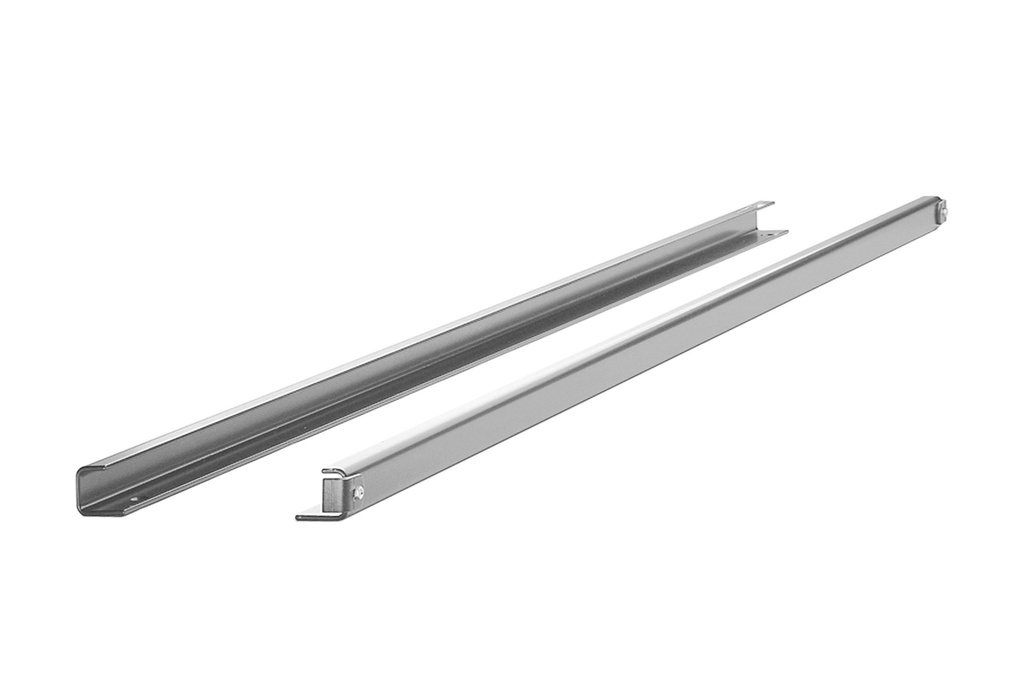
Wall-mounted with guides
Powder-coated upper and lower guides, 500 or 1290 mm, for wall mounting only.
View product →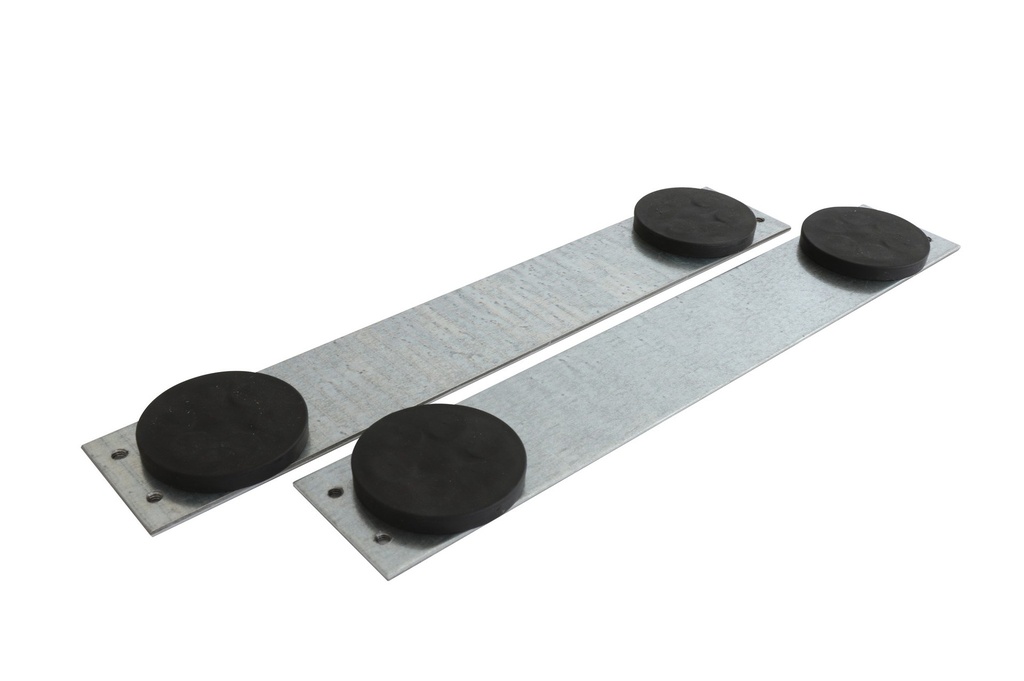
On metal surfaces
Strips with neodymium magnets for panels 250 or 500 mm wide and up to 1085 mm high.
View product →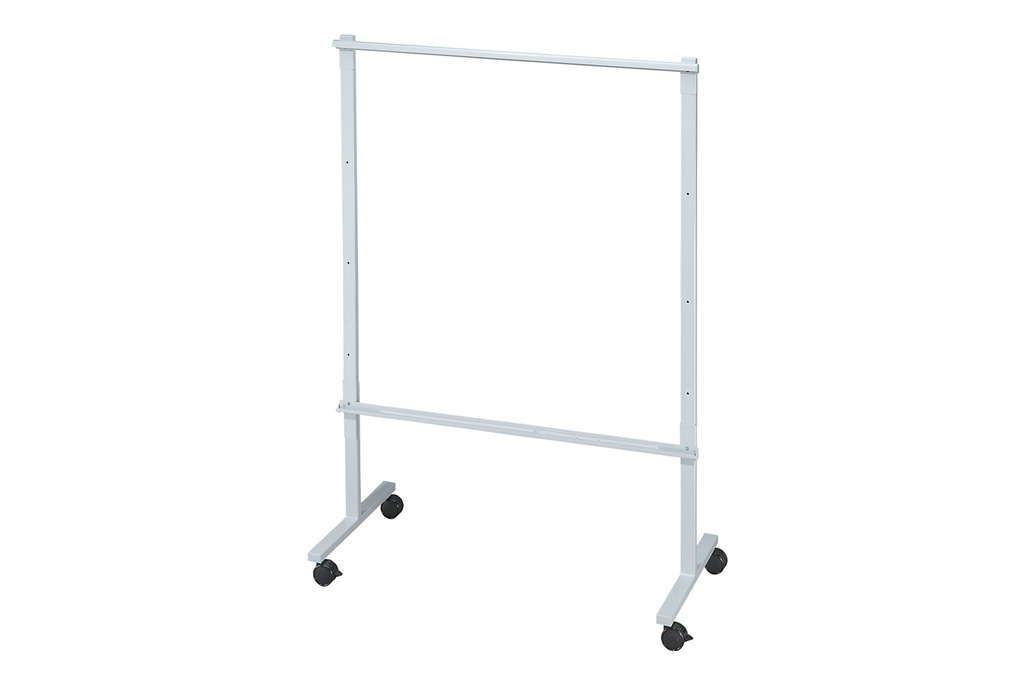
On a mobile stand
Stand on castors for panels 440 to 1244 mm high, usable on both sides.
View product →The magnetic supports fit Cardplan® boards produced from August 2016.
The LeanProducts service
A Cardplan® board works if format, rows and zones are designed for your process:
Flow analysis
Kanban, heijunka, work orders or staff plan: we start from what you need to see and how many cards you manage.
Board layout
We choose with you the card height, visible edge, panel width and height, columns and coloured zones.
The right mounting
On the wall, on metal surfaces or on a mobile stand: we tell you the compatible supports and guides.
Part number list
Boards, dividers, corner pieces, label holders and supports in a single list, ready to order.
Send us an example of the card or document to insert and a photo of the area: we will propose the configuration.
Technical data
| Item | Value |
|---|---|
| Card height | 74 mm (A7 landscape / A8 portrait) · 100 mm · 105 mm (A6 landscape / A7 portrait) · 148 mm (A5 landscape / A6 portrait) · 210 mm (A4 landscape / A5 portrait) · 297 mm (A3 landscape / A4 portrait) |
| Visible edge | 15, 20, 30, 40, 60 or 90 mm, depending on the card height |
| Panel height | 440, 795, 1085 o 1244 mm |
| Panel width | 250 mm (codes K2…) or 500 mm (codes K5…) |
| Number of pockets | From 2 (297 mm card, 90 mm edge, 440 mm panel) to 59 (74 mm card, 20 mm edge, 1244 mm panel) |
| Inserted thickness | Single sheets and small bundles up to 2 mm |
| Construction | Metal panel, light grey plastic pockets |
| Aluminium side stops | Standard on the sides of the versions for 210 and 297 mm cards, except K524-15-G, K534-15-G, K515-90-G, K525-90-G, K535-90-G, K543-30-G |
| Mounting | Z profiles, wall guides, magnetic strips or board stand |
Example of reading the code: K212-30-G = width 250 mm, panel 440 mm, card 100 mm, visible edge 30 mm, 11 pockets. Tell us the card format and quantity: we will give you the right part number.
Accessories and related products
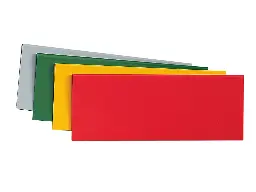 Traffic light system for CardplanCorner pieces for the kanban traffic light
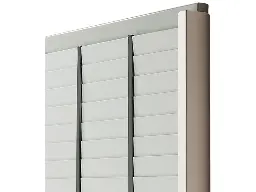 Vertical divider for CardplanDividers for the columns
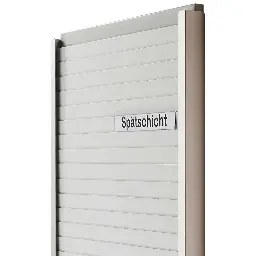 Label holders for CardplanLabel holders for the headings
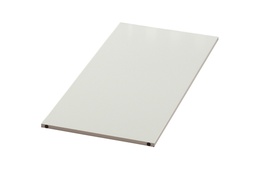 Cardplan® – WhiteboardWhiteboard to place alongside
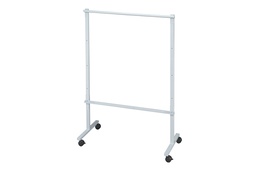 Cardplan® – Mobile board standMobile stand on castors
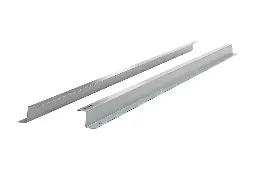 Horizontal Z supports for CardplanZ profiles for the wall
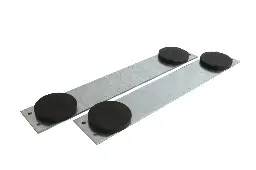 Magnetic supports for CardplanMagnetic strips
 Aluminium containment side stops for Cardplan®Aluminium side stops
Want a Cardplan® board tailored to your process?
Tell us the card format, how many you manage and where the board goes: we will propose boards, accessories and mounting, with the part number list.