
Magnetic Windows - Magnetic Document Window
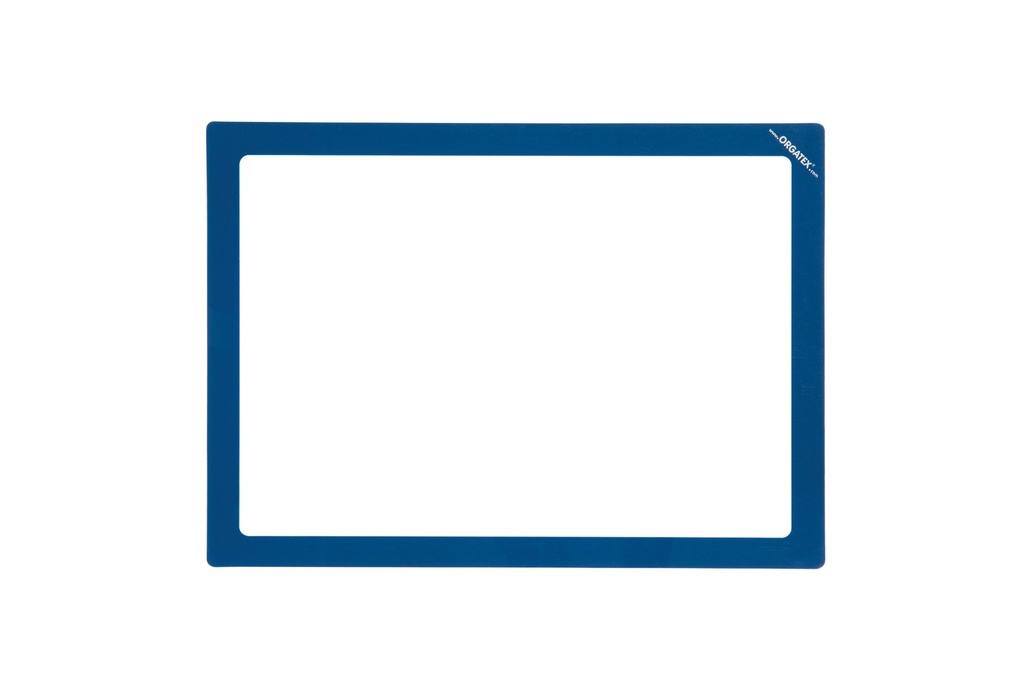
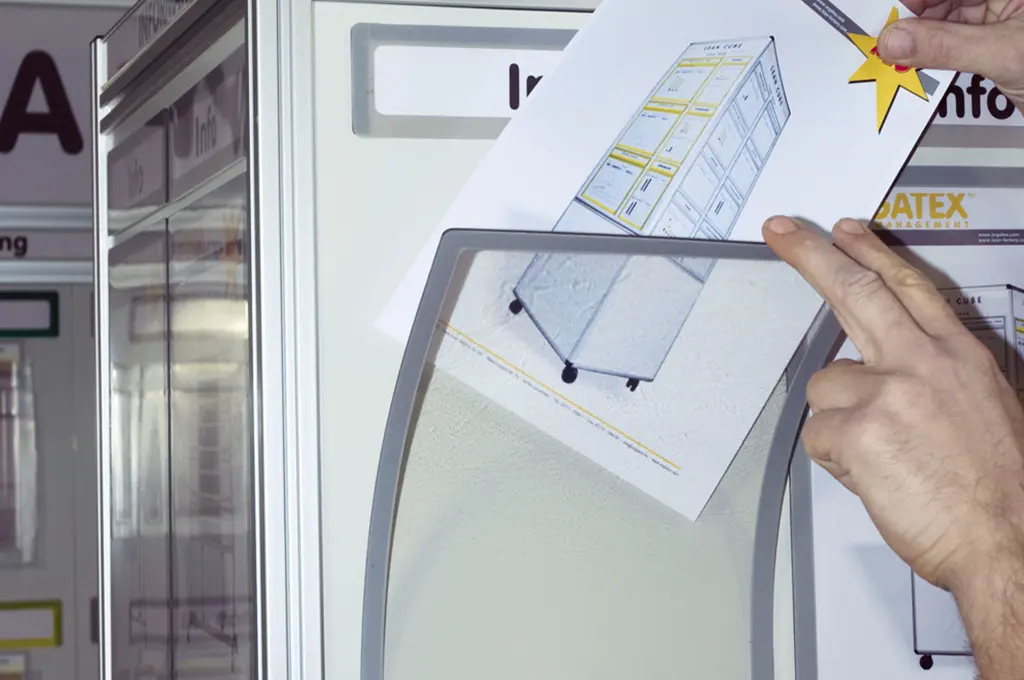
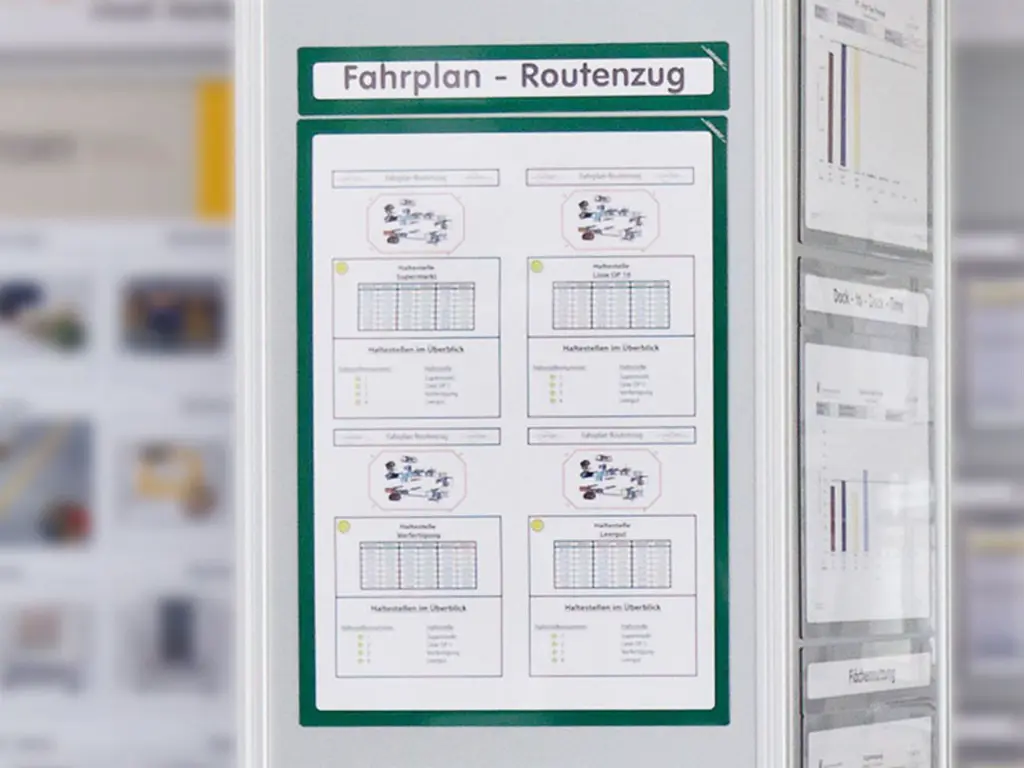
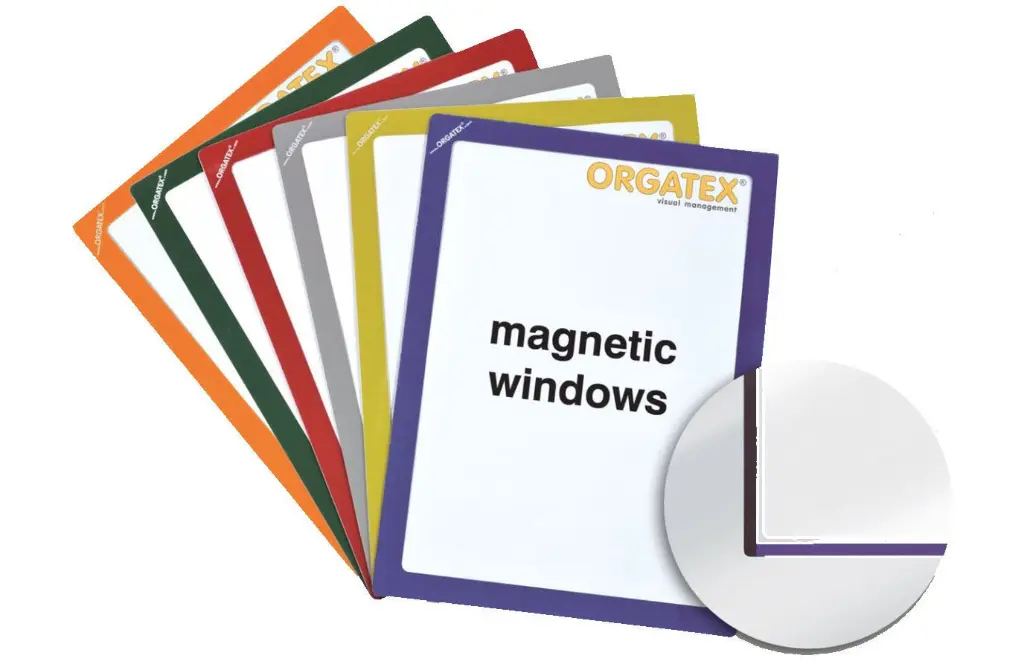
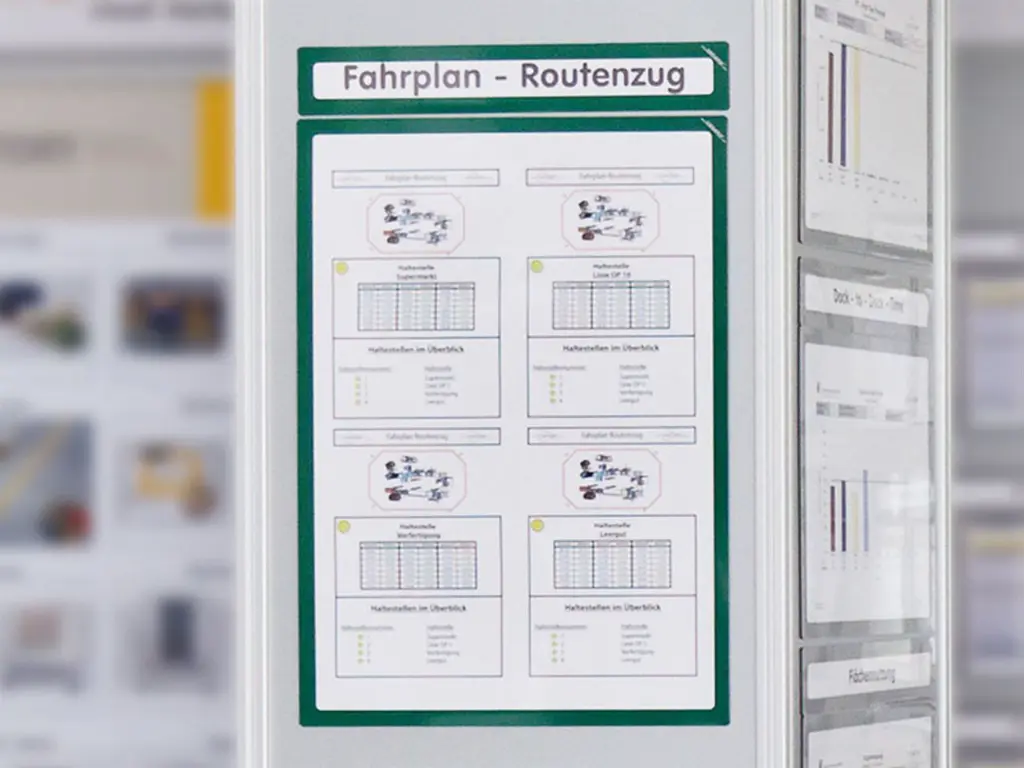
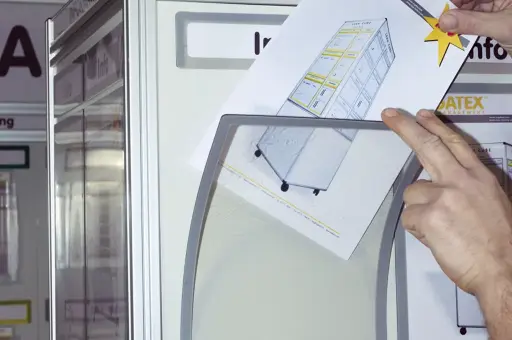
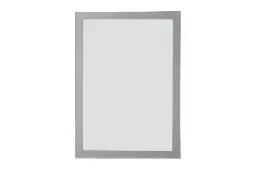
Place the sheet on the whiteboard, the visual management board or a steel surface and cover it with the window: no sleeves, the document is protected and changed without tools. The coloured border is magnetic on three sides and self-adhesive on the fourth, if you want to fix it permanently. Write on the transparent area with non-permanent markers: update machine run times, shifts and KPIs without removing the sheet.
September 2026 update — part numbers
The part numbers of this range have changed. The products themselves are unchanged.
ORGATEX Magnetic Windows® · Magnetic document windows
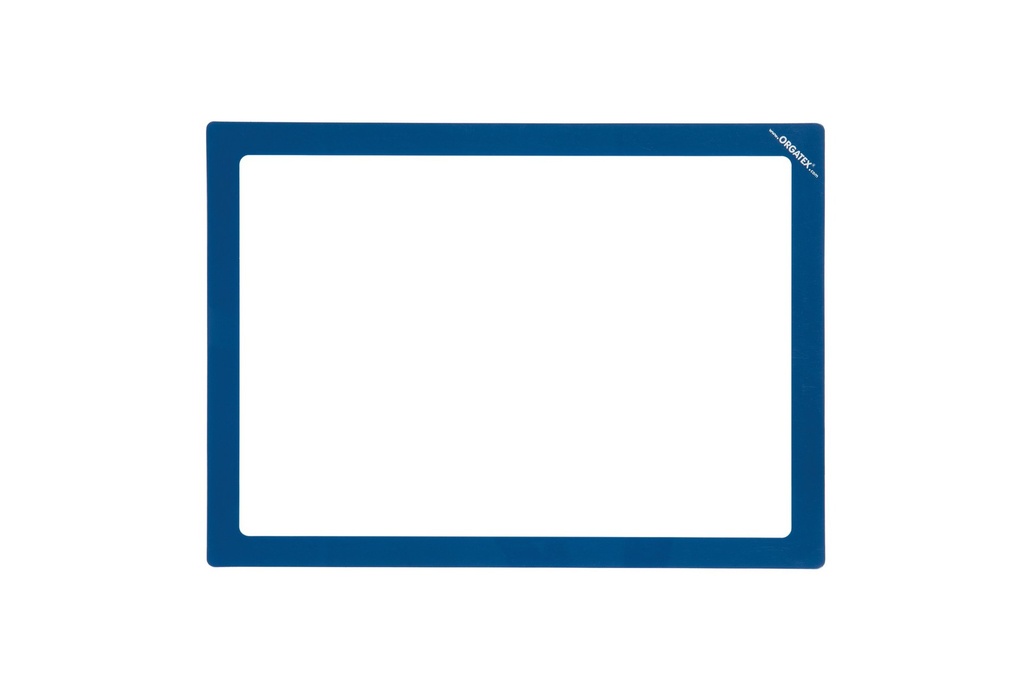
Magnetic Windows®: magnetic document window from A5 to A1
Place the sheet on the whiteboard, the visual management board or a steel surface and cover it with the window: no sleeves, the document is protected and changed without tools. The coloured border is magnetic on three sides and self-adhesive on the fourth, if you want to fix it permanently. Write on the transparent area with non-permanent markers: update machine run times, shifts and KPIs without removing the sheet.
Why choose it
No sleeves
The sheet goes straight onto the board and the window covers it: changing it takes a moment.
Write on it
With non-permanent markers you note machine run times, checks or statuses; it wipes off with a damp cloth.
Fixed position, if needed
The adhesive side, protected by a liner, fixes the window in place and the document does not fall while you change it.
Colours for visual management
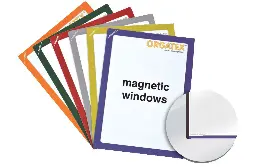
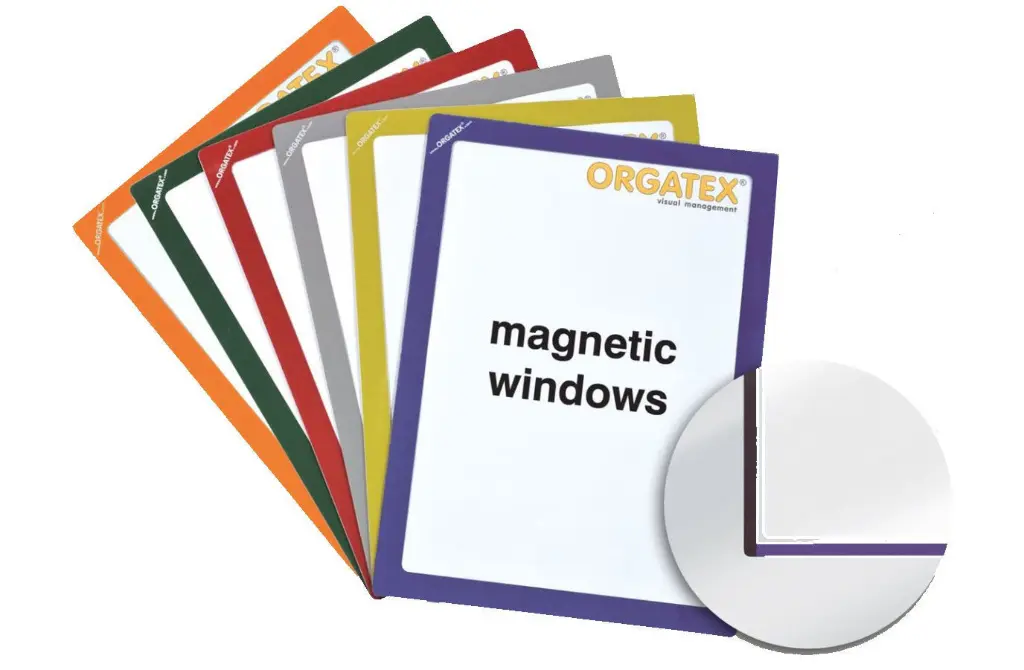
Border in 8 colours to tell departments, lines or types of information apart on the board.
Choose it if…
- you have a whiteboard, a board or a steel surface
- documents change often: shifts, KPIs, inspection plans
- you want to write over the document without spoiling it
- you want a colour code on the board
Choose another solution if…
- if the operator must write directly on the sheet Magnetic Windows - Frame →
- if the surface is smooth but not magnetic, such as glass or plastic Repositionable Adhesive Windows →
- if the document has many pages to flip through Magnetic Pocket for A4 Sheets →
- if you need forms to fill in by hand, up to 60 sheets Clipboard / Magnetic Clipboard →
Not sure which one to choose? Use the Visual Management guide →
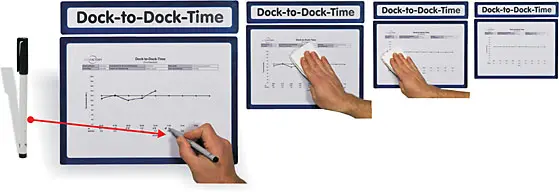
How to use it on the board
Five steps, no tools:
- Place the sheet on the board or steel surface
- Cover it with the window: the three magnetic sides hold it
- Fix the adhesive side only if the position is final
- Write on the transparent area with non-permanent markers
- Change the sheet by lifting the window, whenever needed
If the board layout is not final yet, it is better not to use the adhesive side.
One system for the whole board
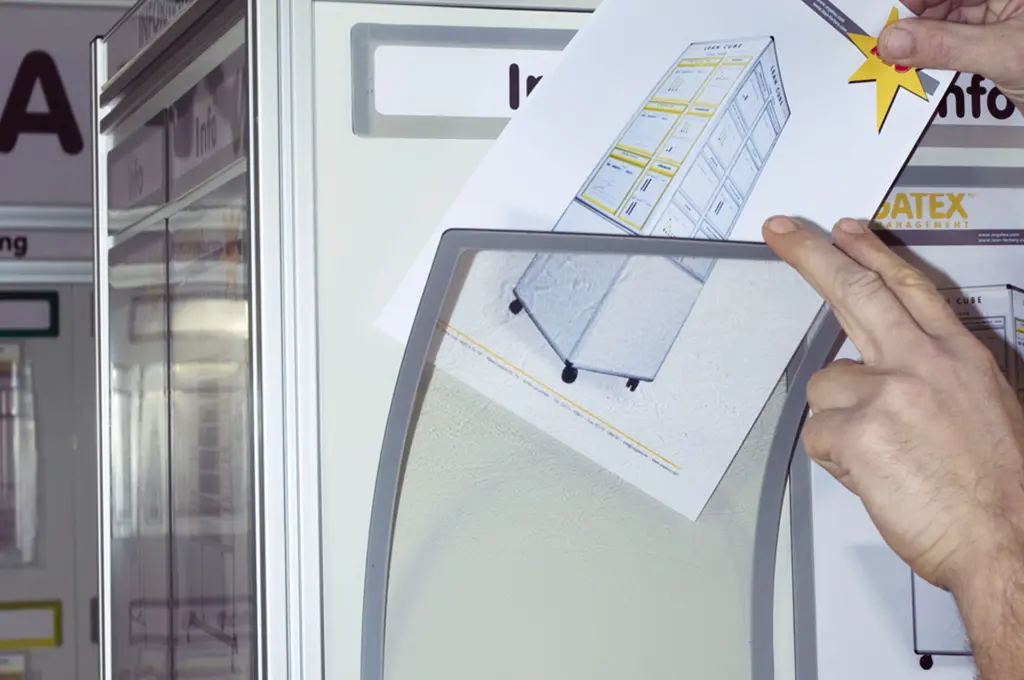
Window
Protects the sheet and you write on it with non-permanent markers. From A5 to A1.
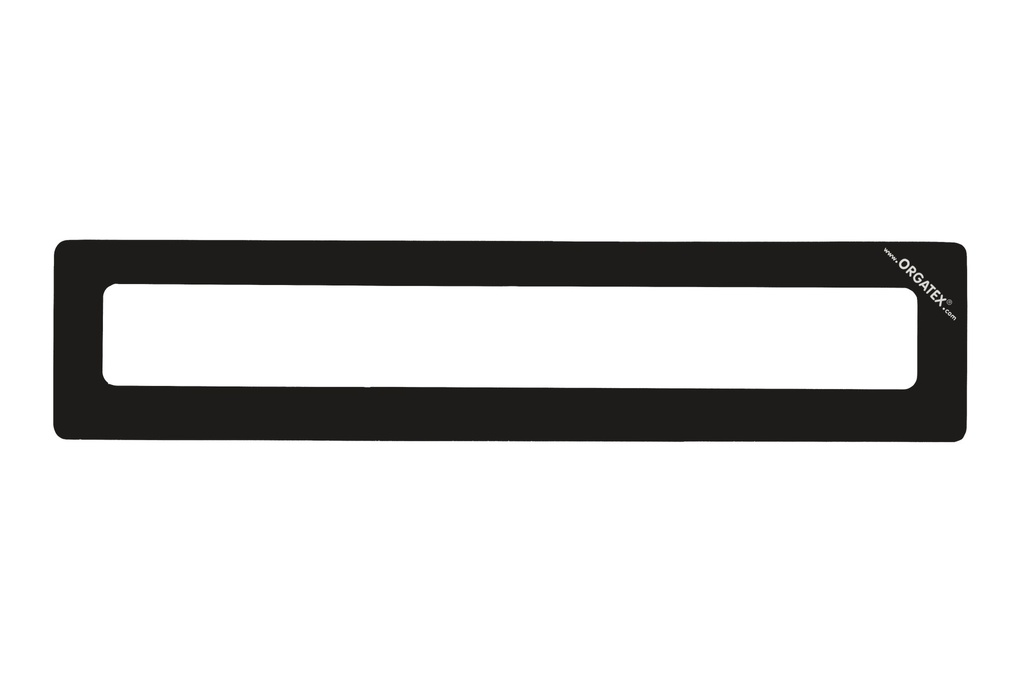
Technical data
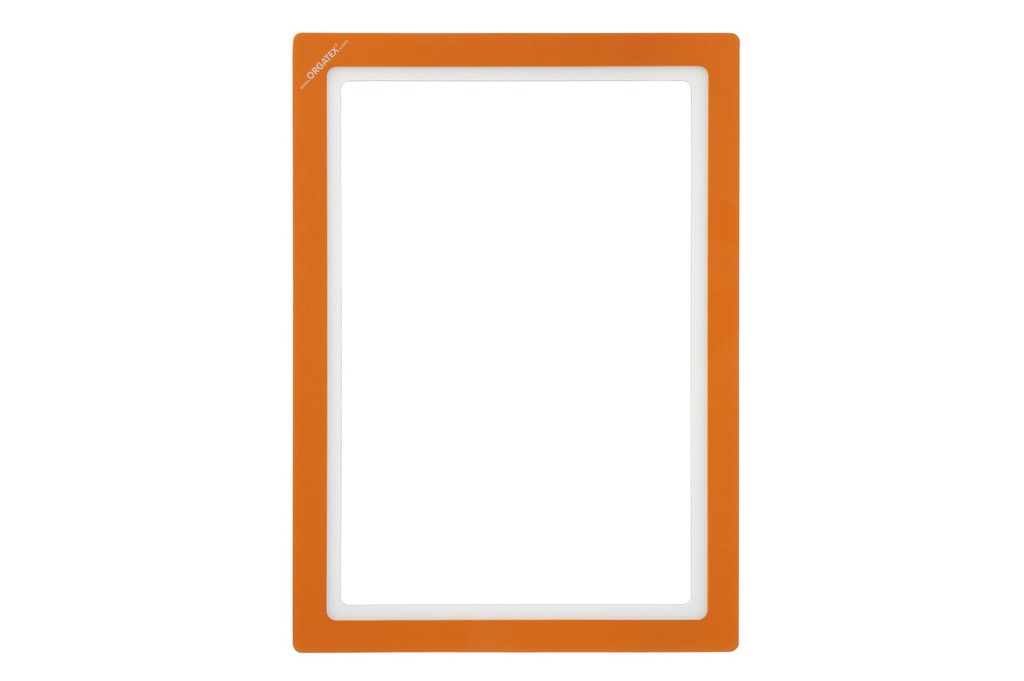
| Color | Red, Blue, Light Blue, Yellow, Green, Black, Orange, Light Grey |
| DIN Formats | A5 Landsc. (10 pcs), A4 Portr. (10 pcs), A4 Landsc. (10 pcs), A3 Portr. (10 pcs), A3 Landsc. (10 pcs), A2 Portr. (1 pc), A2 Landsc. (1 pc), A1 Landsc. (1 pc) |
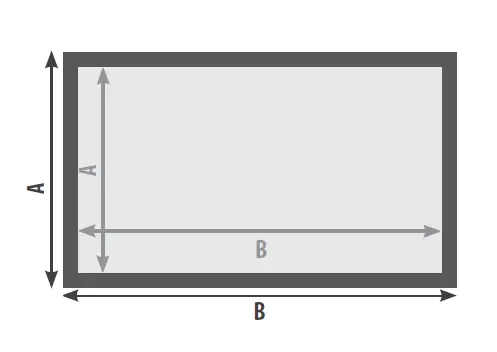
The transparent area matches the DIN sheet; the border adds about 25 mm. Inner/outer size (W × H), examples: A4 portrait 210 × 297 / 235 × 322 mm, A3 landscape 420 × 297 / 445 × 322 mm, A1 landscape 841 × 594 / 865 × 620 mm. A2 and A1 are not available in black and orange.
Images and applications
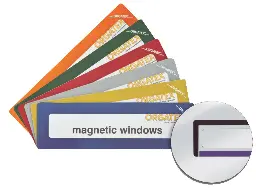 Magnetic Windows - HeadlineHeadlines for board areas
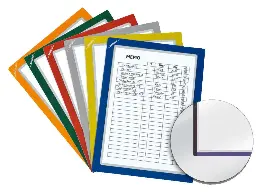 Magnetic Windows - FrameFrame for writing on the sheet
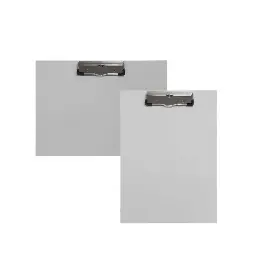 Clipboard / Magnetic ClipboardClipboard, also magnetic
 Repositionable Adhesive WindowsFor non-magnetic surfaces
Need help choosing?
We recommend the right format, fixing and accessories for your department, warehouse or office. For large quantities or recurring supplies we prepare a dedicated quote.