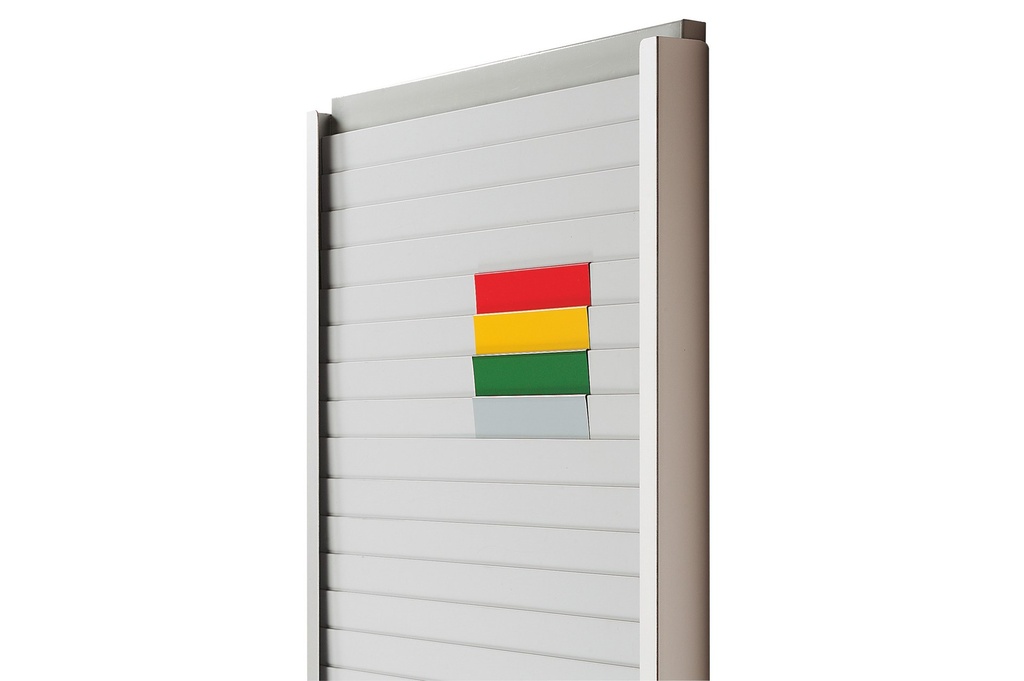
Cardplan® traffic light system
Red, yellow, green and light grey corner pieces that slip onto Cardplan® pockets: they turn the board into a kanban traffic light or divide it into rows. 7 lengths from 75 to 500 mm, packs of 10.
Update, September 2026 — part numbers
The coding of this series has changed: some items have a different part number from the one shown in our previous documents. The products are unchanged.
Want to put together your own Cardplan® board? Open the configurator →
Kanban system · Cardplan® boards
Cardplan® traffic light system: coloured corner pieces for kanban and heijunka boards
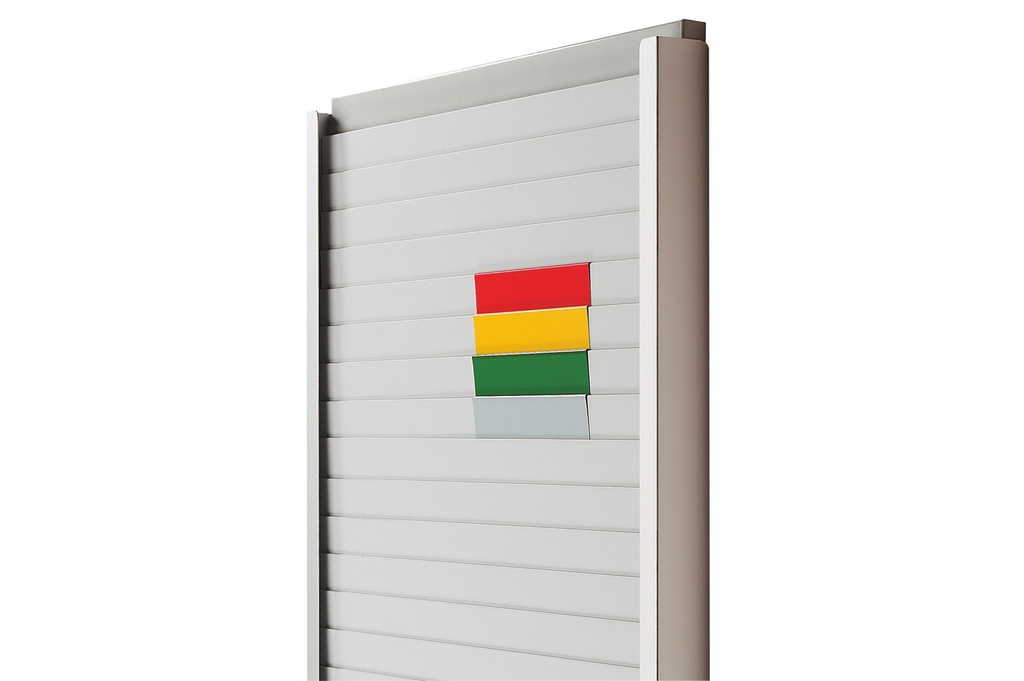
Red, yellow and green corner pieces that slip onto the pockets of the Cardplan® board: they mark the zones of the kanban traffic light, the batch of a lot size kanban or the bands of a heijunka board. They are moved by hand when the thresholds change. In light grey, in 250 and 500 mm lengths, they act as a horizontal divider.
Why choose it
Colour zones
Green, yellow and red tell anyone, from a distance, when to plan and when to produce straight away.
Moves in an instant
It slips over the pocket exactly where you want it: if the thresholds change, you move it, without tools.
Also a horizontal divider
In light grey, 250 or 500 mm long, it separates groups of rows on the board.
Per column or per panel
Short lengths to mark a single column, 250 and 500 mm for the full width of the panel.
Choose it if…
- You use a Cardplan® board as a kanban board and want green, yellow and red zones.
- You need to mark the batch of a lot size kanban or the bands of a heijunka board.
- You want to divide the panel into groups of rows with a grey divider.
Choose another solution if…
- You want to divide the board into columns: Vertical divider for Cardplan →
- You want to label rows and columns with a heading: Label holders for Cardplan →
- You prefer a traffic light with coloured boxes, one card per position: Systembox →
Not sure which one to choose? Use the selection guide →
With the other Cardplan® accessories
Slot-in board
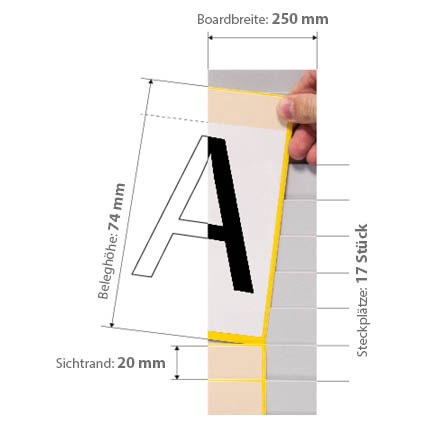
The pockets onto which you slip the corner pieces, for cards from 74 to 297 mm.
View product →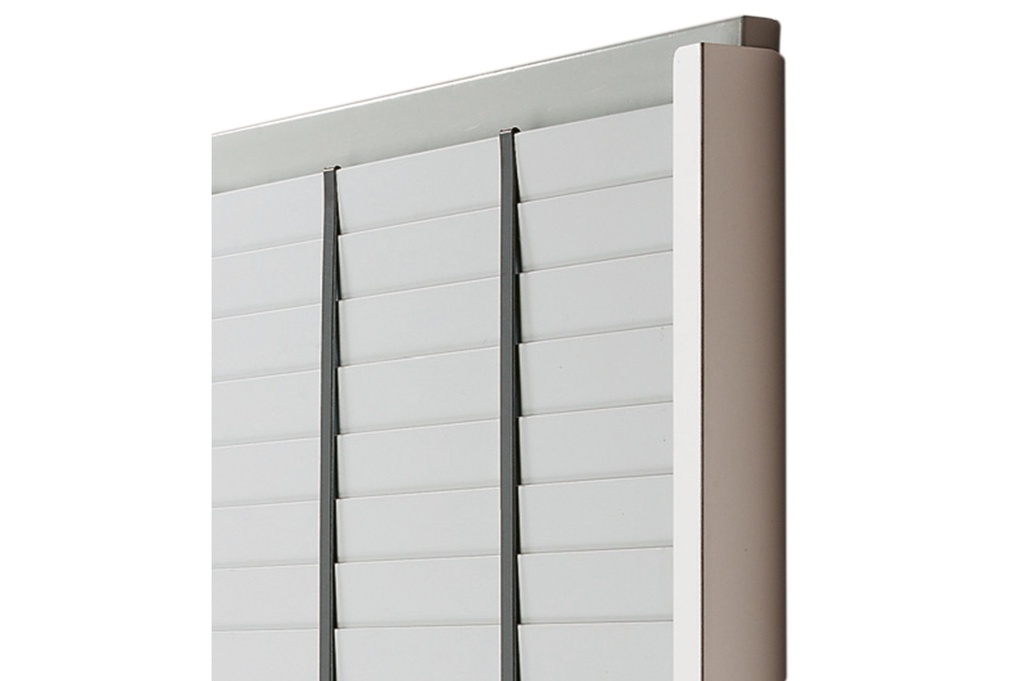
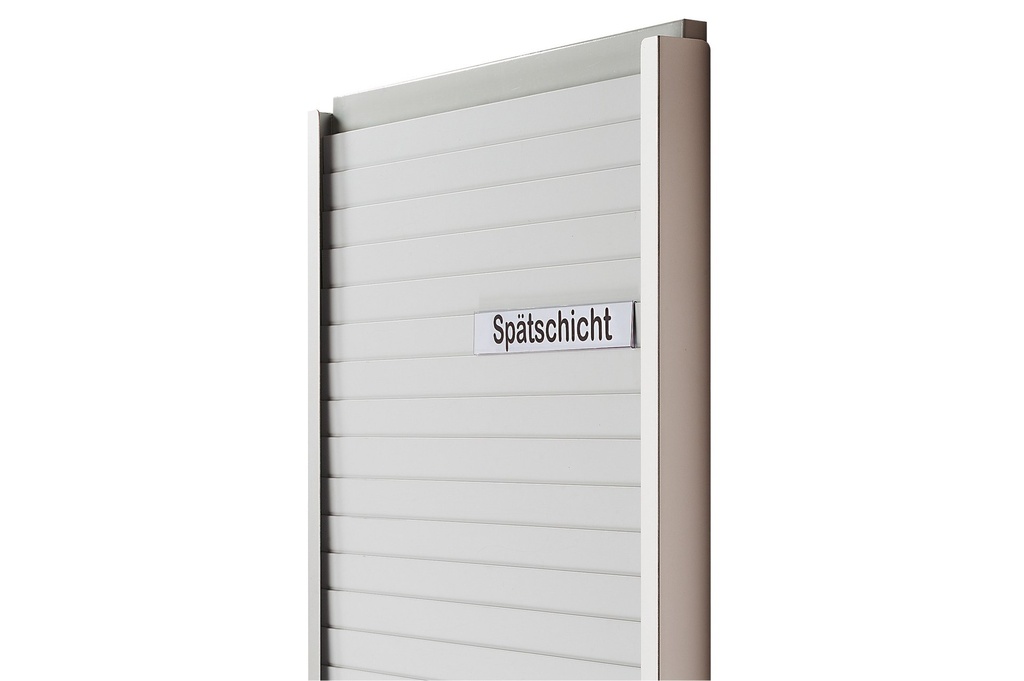
Columns, zones and headings together make the Cardplan® a kanban board readable from a distance.
The LeanProducts service
A Cardplan® board works if format, rows and zones are designed for your process:
Flow analysis
Kanban, heijunka, work orders or staff plan: we start from what you need to see and how many cards you handle.
Board layout
We choose with you the card height, visible edge, width and height of the panels, columns and coloured zones.
Correct mounting
On a wall, on metal surfaces or on a mobile stand: we tell you which supports and guides are compatible.
Part number list
Boards, dividers, corner pieces, label holders and supports in a single list, ready to order.
Send us an example of the card or document to insert and a photo of the area: we'll propose the configuration.
Technical data
| Length | Part numbers (red / yellow / green / light grey) |
|---|---|
| 75 mm | KAN-AMPEL75/1 · /4 · /5 · /6 |
| 85 mm | KAN-AMPEL85/1 · /4 · /5 · /6 |
| 120 mm | KAN-AMPELA7/1 · /4 · /5 · /6 |
| 155 mm | KAN-AMPELA6/1 · /4 · /5 · /6 |
| 215 mm | KAN-AMPELA5/1 · /4 · /5 · /6 |
| 250 mm | KAN-AMPEL250/1 · /4 · /5 · /6 (grey: horizontal divider for 250 mm panels) |
| 500 mm | KAN-AMPEL500/1 · /4 · /5 · /6 (grey: horizontal divider for 500 mm panels) |
Pack of 10 corner pieces of the same colour and length. Choose the length according to the width of the column to mark, or 250/500 mm for the whole panel.
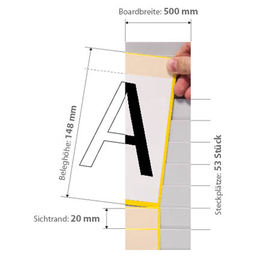 Cardplan® – Slot-in boardCardplan® slot-in board
 Vertical divider for CardplanVertical dividers for columns
 Label holders for CardplanLabel holders for headings
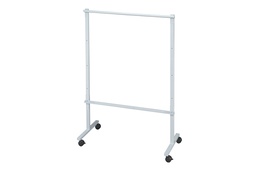 Cardplan® – Mobile board standMobile stand
Want a Cardplan® board tailored to your process?
Tell us the card format, how many you handle and where the board goes: we'll propose boards, accessories and mounting, with the part number list.