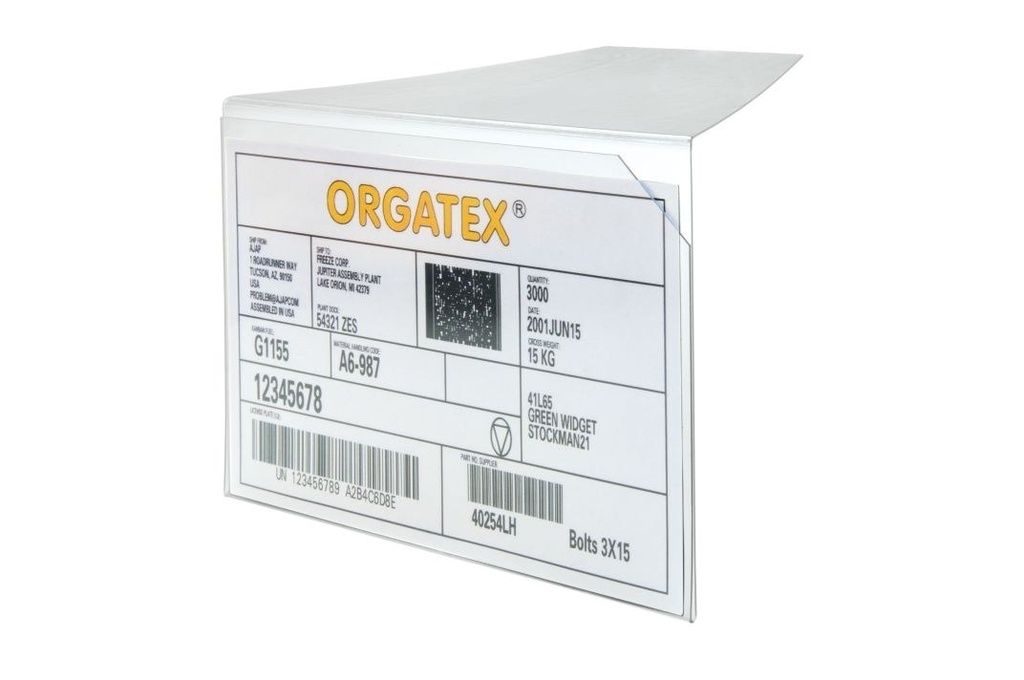



Kanban-Cover angled
Clear rigid PVC kanban card holder with a 90° tab: it slides between stacked cartons, boxes or panels and stays in place without adhesives. Scanner-readable, UV-resistant. DIN A7, A6, A5 and 1/4 DIN formats.
Kanban system · Card holders
Kanban-Cover angled: kanban card holder to slip between stacked cartons and packages
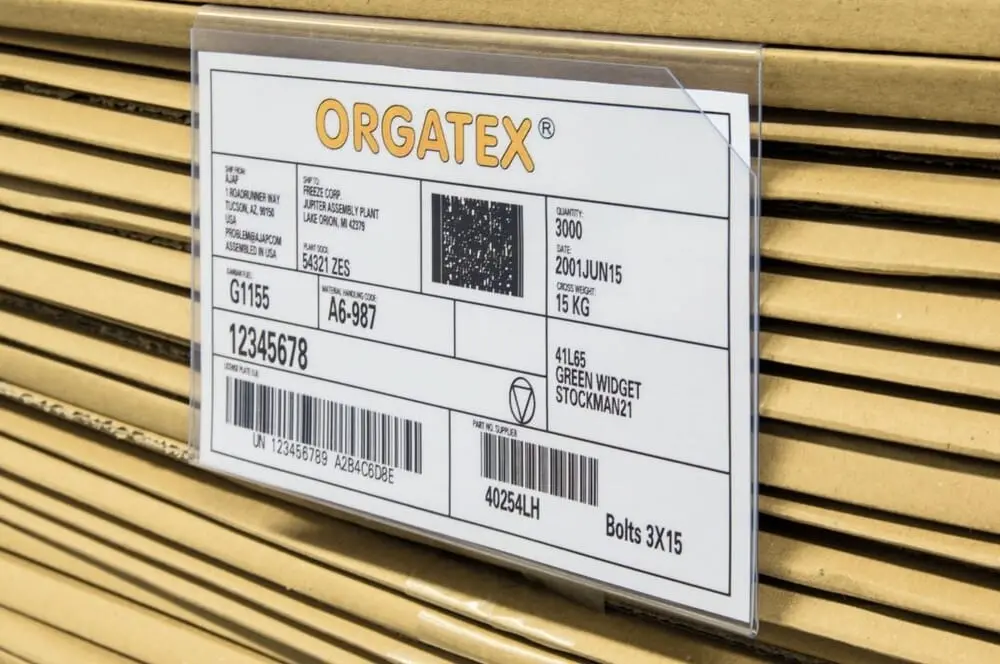
For when the material is stacked and there is no container to fix the card to. The 90° tab slips between two layers of cartons, boxes or panels: the card holder stays in view until you remove the package on top, and leaves no marks on the goods. Clear rigid PVC, bevelled front edge, four landscape formats.
Why choose it
It slips between layers
The 90° tab goes between stacked cartons, boxes or panels: no adhesives, no hooks.
Does not damage the goods
It does not stick and does not mark the material: you remove it together with the last package on top and reuse it.
Easy to insert
The bevelled front edge lets the card slide in and out effortlessly.
Protected and readable
UV-resistant clear rigid PVC: protects the card and keeps QR and barcodes readable.
Choose it if…
- You identify cartons, boxes or panels stacked on the floor or on shelves.
- There is no container to fix the card to.
- You do not want adhesives or labels stuck on the goods.
- You want a card holder that is reused for each new batch.
Choose another solution if…
- The container has a smooth or metal wall to fix the card holder to: Kanban-Cover →
- The container has a rim and must stay stackable: Kanban-Cover for hanging →
- The material is loose in an open container: Kanban-Cover Mega →
Not sure which one to choose? Use the selection guide →
Where the angled Kanban-Cover is used
Where the material arrives and stays stacked:
- Warehouse and goods receiving: stacked cartons and packages identified with the kanban card or delivery note
- Panels and sheets: stacked metal sheets, panels and flat semi-finished products, with the card between one layer and the next
- Supermarket and lineside: supplier boxes used directly as picking units
When you remove the last layer above the card holder, the card goes into the kanban mailbox and the card holder is available again.
How the kanban card circulates
The card holder is the first step of a simple loop:
Prepare the card
Part number, description, quantity per container, storage location and barcode: you print it on card stock and insert it into the card holder.
View product →It travels with the material
The card stays on the container for as long as the material is needed on the line, protected from dirt and damage.
It returns when the container is empty
The operator removes the card and posts it in the kanban mailbox: this is the reorder signal.
View product →It moves to the board
Whoever handles reordering moves the cards to the kanban or heijunka board and replenishment starts in the right order.
View product →With a scanner you read the barcode or QR code through the sleeve, without removing the card.
The LeanProducts service
We help you set up kanban, from the container to the board:
Choosing card holders
We start from your containers, surfaces and card format: we tell you the right card holder for each case.
Colours and cards
We recommend colours by department, line or supplier, and pre-cut cards to print on your office printer.
View product →Boards and collection
Complete the circuit with kanban mailboxes, Cardplan® boards and Systembox, also ready-assembled in the Kanban Starter Set.
View product →Extensions and reorders
When you add containers, lines or suppliers, we confirm the codes and quantities to reorder.
Send us a few photos of your containers and an example of a card: we will suggest card holders, formats and quantities.
Technical data
| Property | Value |
|---|---|
| Codes and formats (W × H) | KAN-COPA7 · 105 × 74 mm; KAN-COPA6 · 148 × 105 mm; KAN-COPA5 · 210 × 148 mm; KAN-COP1/4DIN · 220 × 80 mm |
| Material | Rigid transparent PVC |
| Fixing | 90° tab to slip between two layers |
| Insertion | Bevelled front edge |
| Reading | Barcodes and QR codes readable with a scanner |
| Resistance | To UV rays |
| Pack | 10 pieces |
All formats are landscape. The card holder stays in place as long as there is a layer above the tab.
 Kanban-CoverMagnetic or adhesive
 Kanban-Cover for hangingTo hang on the rim
 Kanban-Cover MegaFor loose material
 Plastic kanban mailboxCard collection
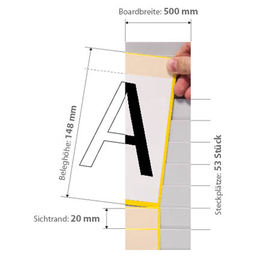 Cardplan® – Insert boardInsert kanban board
Stacked material without a container?
Tell us which packages or panels you stack and which cards you use: we will recommend the format and quantity.