



Systembox
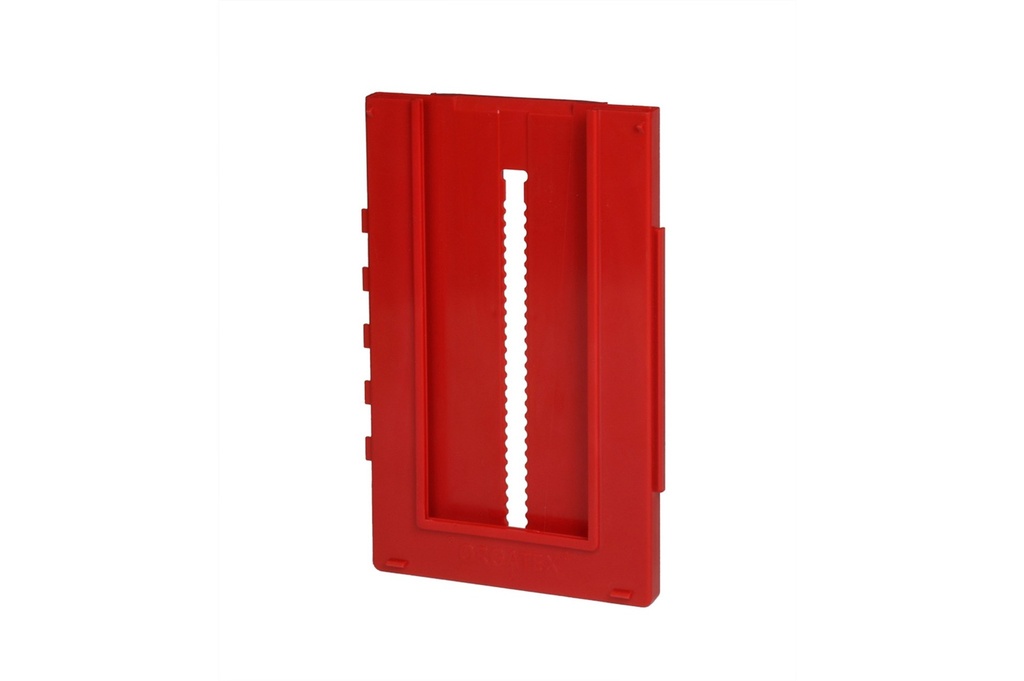
Plastic kanban card holder, 122 × 192 × 10 mm, interlocking in rows and columns: build kanban, traffic-light and heijunka boards on the wall or on a whiteboard. 8 colours, pack of 50.
Kanban system · Systembox
Systembox: modular kanban card holder for kanban, traffic-light and heijunka boards
One box for every kanban card: it keeps it in view, protected and always in its place, on the wall or on the whiteboard. The patented interlocking system connects Systemboxes in a stepped column or side by side in a block, so the kanban board grows one position at a time. With 8 colours you build the kanban traffic light, the zones of a heijunka board or a lot size kanban.
Want to put together your own Systemboxes? Open the configurator →
Why choose it
Grows with your process
The interlocks join the boxes in a stepped or block arrangement: add one position at a time, in a row or column, without redoing the board.
Kanban traffic light at a glance
Green, yellow and red immediately tell you what to produce or reorder. Alternatively, use single-colour boxes and coloured cards in the clear covers.
Adapts to the card
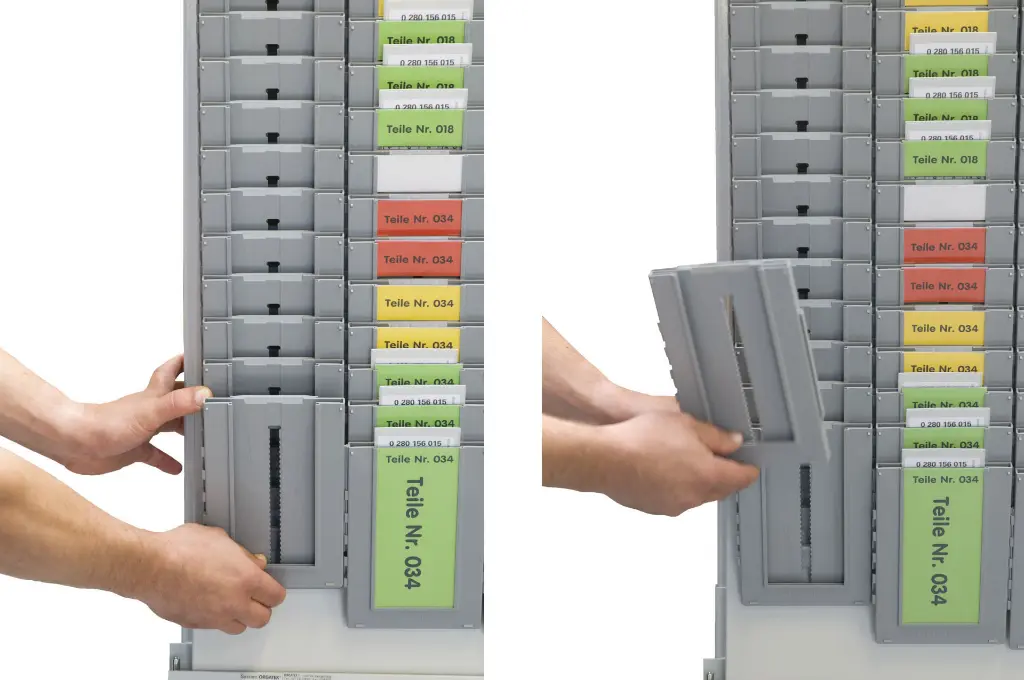
The adjustable back reduces the usable depth in 5 mm steps: even small cards stay in view and can be picked up with your fingers.
A complete system
Stainless steel supports, clear covers, cards and mailbox complete the board; the Systembox A4 adds the documents.
Choose it if…
- You manage kanban cards on a board, one card per position, sorted by part number.
- You want a kanban traffic light with green, yellow and red zones, or a heijunka board or lot size kanban.
- You plan to extend the board over time, even by a single position.
- You want to keep kanban cards and A4 documents on the same board.
Choose another solution if…
- You want to start with a complete kanban board, from 200 to 400 cards, already sized: Kanban Starter Set with Systembox →
- You manage cards, orders or sheets in different formats, from DIN A8 to A4, on a pocket board: Cardplan® – insert board →
- You work in an EPA area with components sensitive to electrostatic discharge: Systembox and ESD accessories →
Not sure which one to choose? Use the selection guide →
How the traffic-light kanban board works
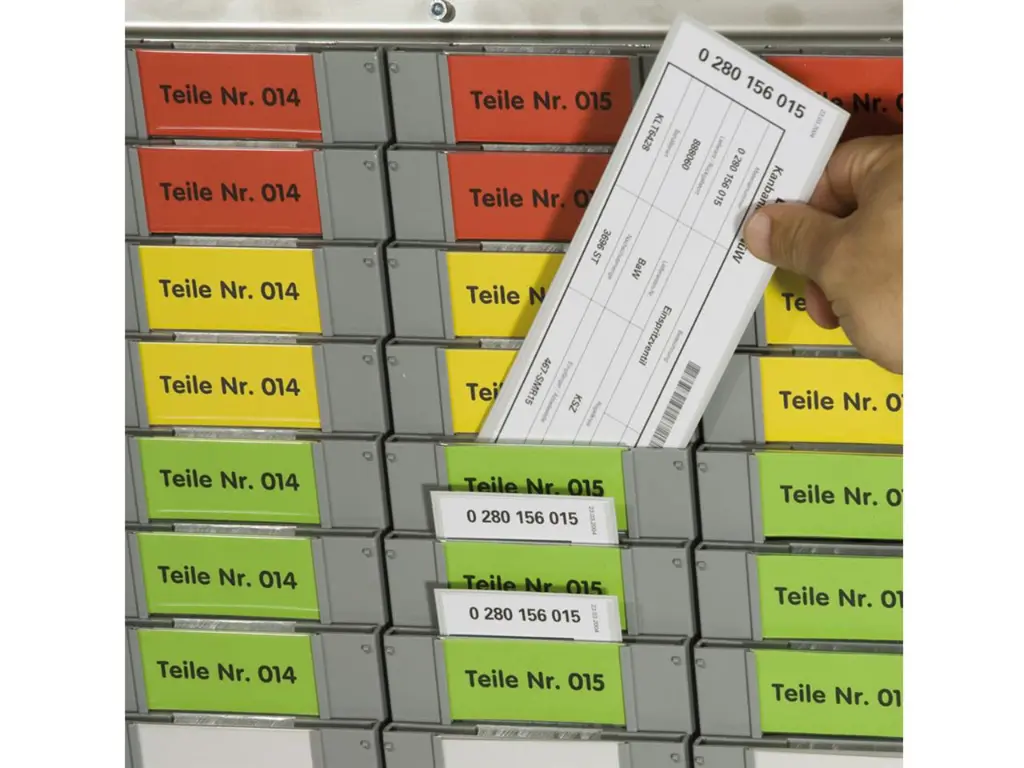
The card returns to the board when the container is emptied and the board becomes the signal for production or reordering:
- Green zone: few cards on the board, the stock in the department is sufficient
- Yellow zone: the supervisor decides whether to start production or reordering
- Red zone: produce or replenish immediately
- Heijunka board: the columns become time slots and level the order sequence
- Lot size kanban: each position corresponds to a defined lot, called off when the card arrives on the board
Zones are marked with coloured Systemboxes or coloured cards in the clear covers: you change the traffic-light levels without dismantling the column.
How a column of Systembox is assembled
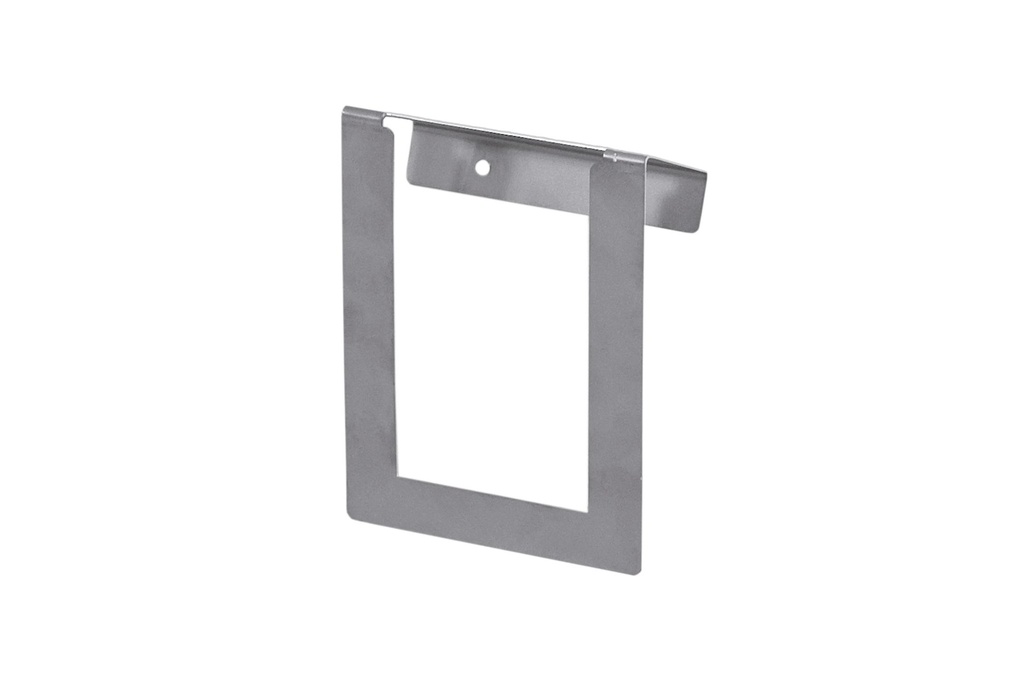
Stainless steel supports
The upper one is fixed to the wall or whiteboard and holds 1 or 4 columns; the lower one fixes the second-to-last box.
View product →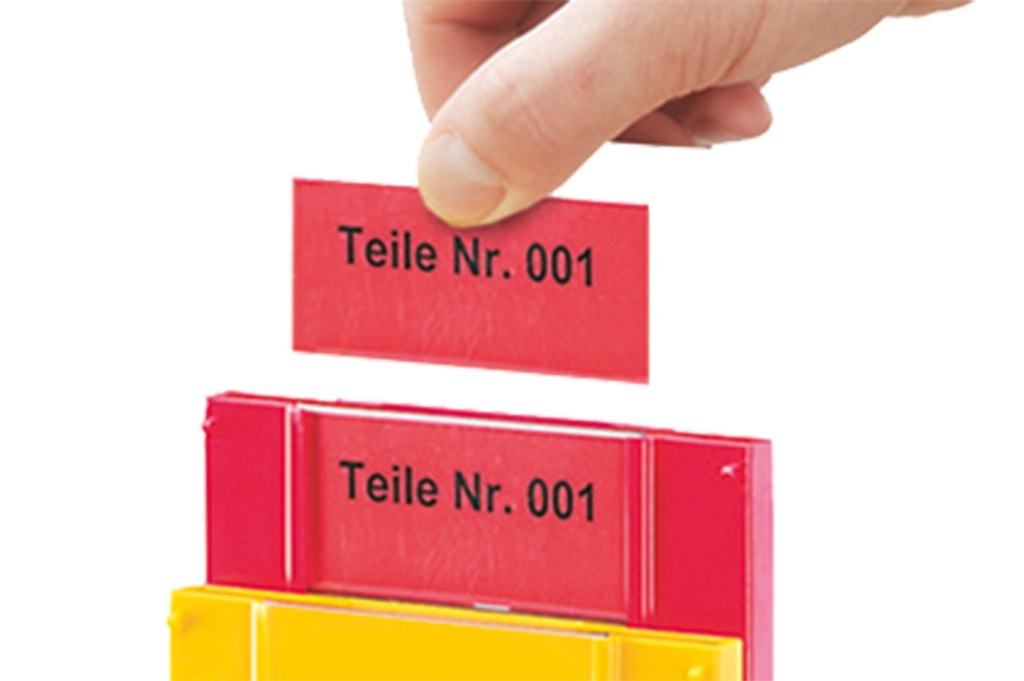
Clear covers
The upper one on every box except the last, the front one on the last: they show the code and keep the card in place.
View product →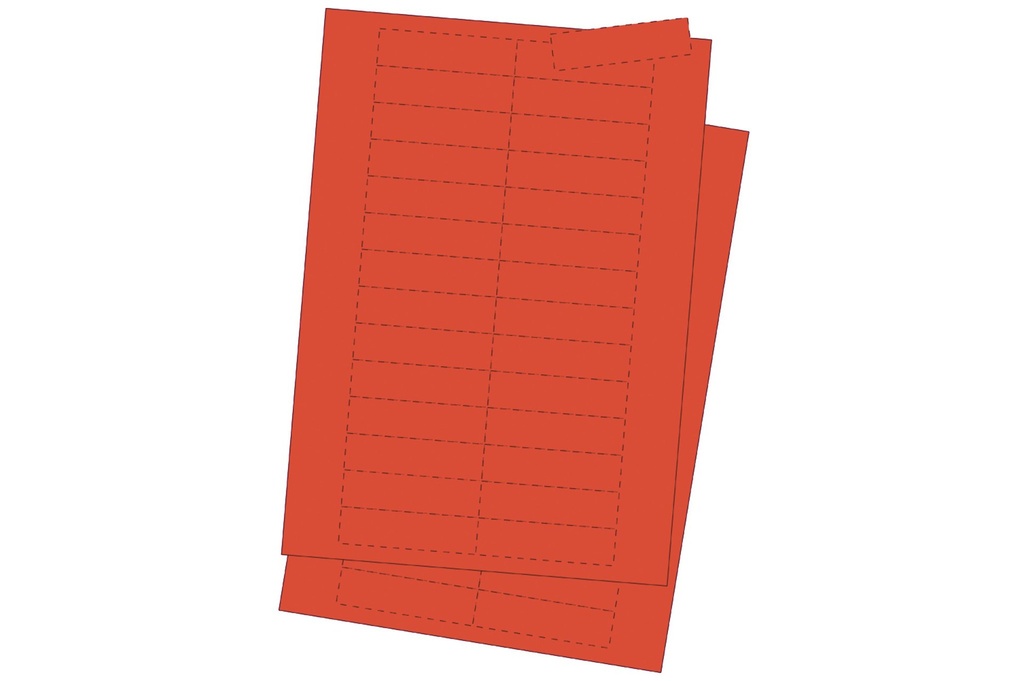
Printable cards
Pre-cut A4 sheets, 33 × 75 mm for the upper cover and 75 × 168 mm for the front one, in 4 colours.
View product →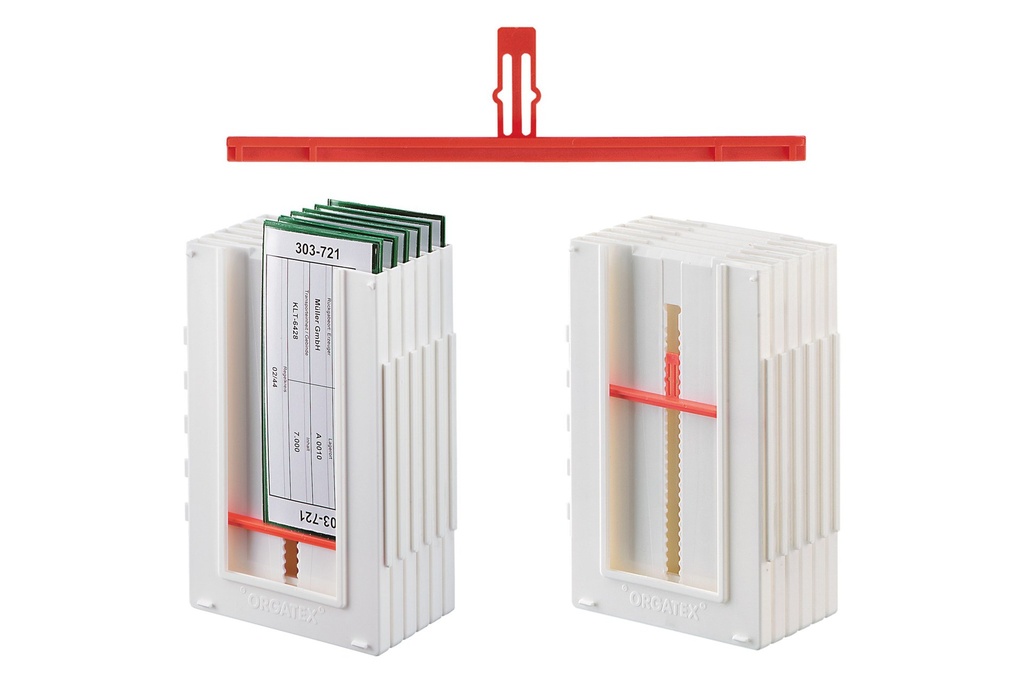
Adjustable back
For cards from DIN A7 to 1/3 DIN: adjusts in 5 mm steps in the rear groove.
View product →Supports, clear covers, cards and adjustable back are ordered separately, in the quantities you need.
Where to mount the board
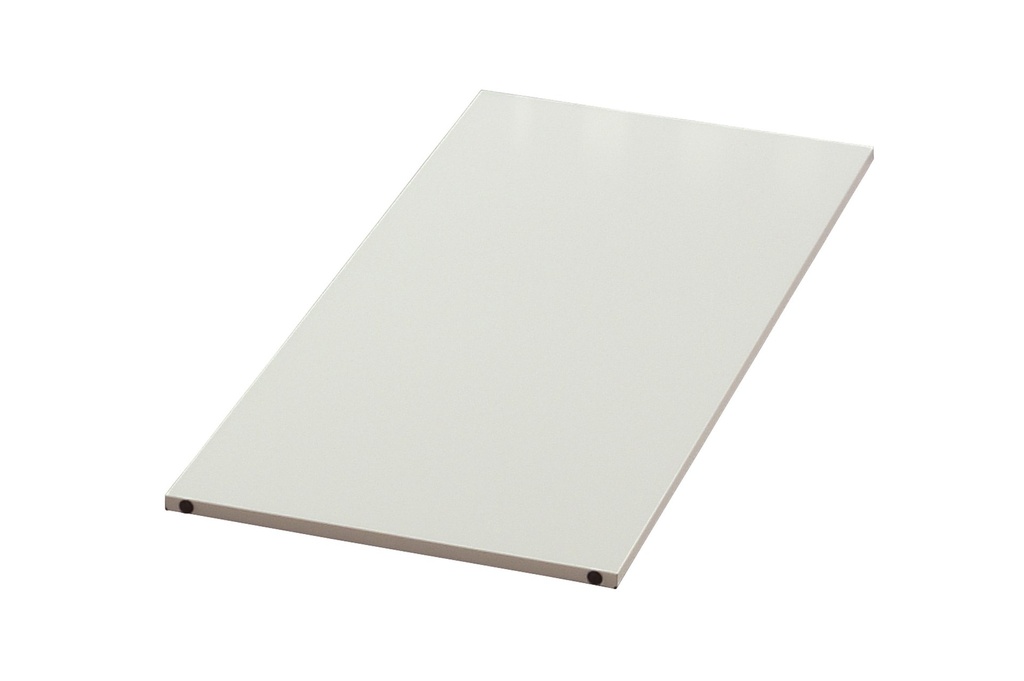
On Cardplan® whiteboard
250 or 500 mm panels to screw the supports onto, to place alongside the insert boards.
View product →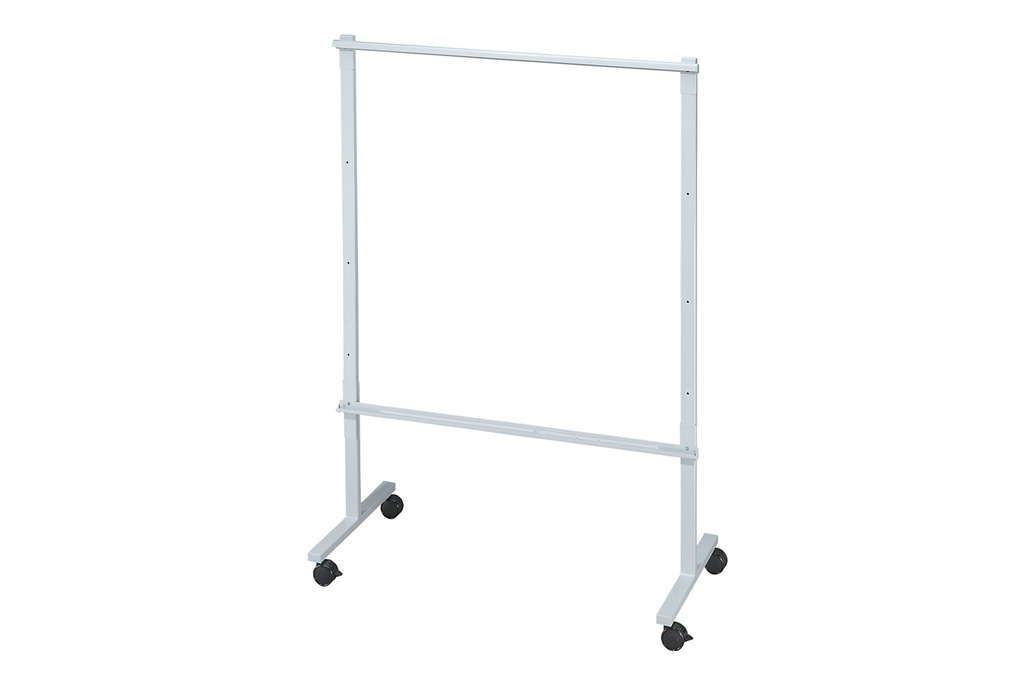
On a mobile stand
The board stand on castors takes the kanban board where it is needed, in the department or at the shift meeting.
View product →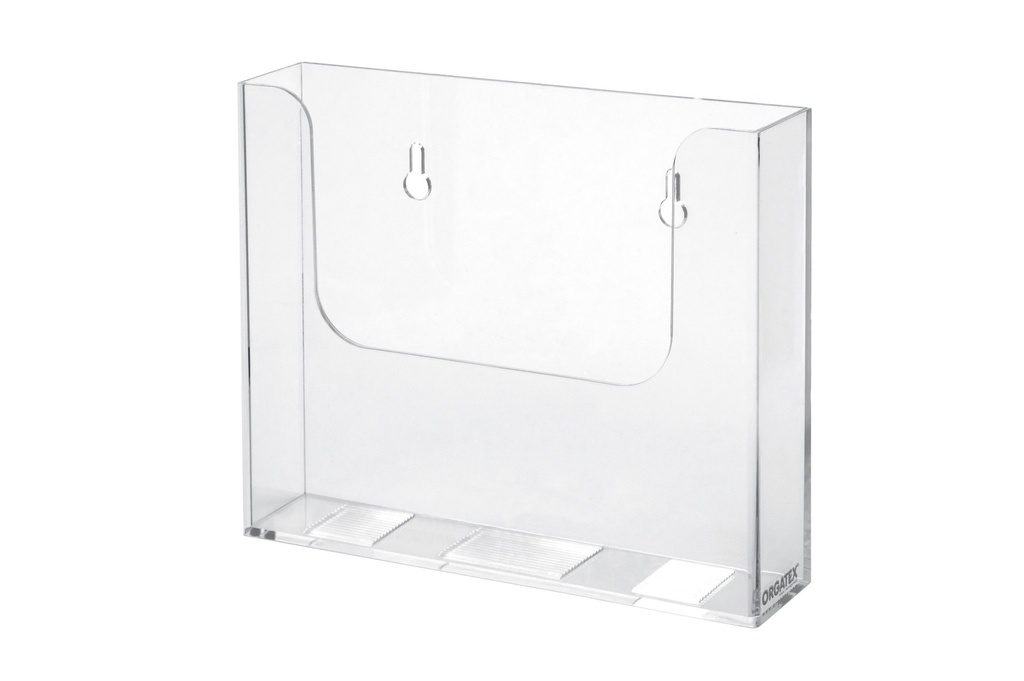
With the mailbox
Collects returned cards before they are put back on the board or in the containers.
View product →On the wall, the stainless steel supports with their fixing material are enough.
The LeanProducts service
We help you go from the idea to the kanban board in your department:
Part number analysis
We start from how many part numbers you manage, how many cards per part number and what format they are: we size the rows, columns and traffic-light zones.
Board layout
We propose the layout of the Systemboxes, on the wall, on a whiteboard or on a mobile stand, with room to extend it.
Complete list
Systembox, supports, clear covers, cards, mailbox: you receive the list of part numbers and quantities, with nothing forgotten.
Extensions and spare parts
All components can also be ordered individually: the board grows with your process.
Send us a photo of the area and the list of kanban codes: we will reply with a concrete proposal.
Technical data
| Parameter | Value |
|---|---|
| Codes and colours | SYSB-01 red · SYSB-02 white · SYSB-03 blue · SYSB-04 yellow · SYSB-05 green · SYSB-06 black · SYSB-07 light grey · SYSB-20 transparent |
| Outer dimensions (W × H × D) | 122 × 192 × 10 mm |
| Internal space (W × H × D) | 118 × 190 × 6 mm |
| Material | ABS plastic |
| Connection | Patented interlock: stepped in a column or side by side in a block; compatible with Systembox A4 |
| Mounting | On the wall or on a whiteboard, with supports SYSB-WH-1 (1 column), SYSB-WH-4 (4 columns) and SYSB-WH-U (lower) |
| Identification | Clear covers SYSB-HE-35 (upper), SYSB-HE-169 (front), SYSB-RS-120 (flag-type), SYSB-HE-35-SPERR (with prohibition sign) |
| Card formats | Up to 118 × 190 mm; with the SYSB-FH back, from DIN A7 (74 × 105 mm) to 1/3 DIN (100 × 210 mm) |
| Pack | 50 pieces of the same colour |
Choose the colour according to your traffic-light scheme: with light grey boxes and coloured cards you stock only one colour of Systembox.
Images and applications


Accessories and related products
 Supports for SystemboxSupports for 1 or 4 columns
 Clear covers for SystemboxCovers to identify the kanban
 Cards for upper and front coversColoured cards to print
 Adjustable back for SystemboxAdjustable back for small cards
 Plastic kanban mailboxMailbox for returned cards
 Systembox A4Systembox A4 for documents
 Cardplan® – whiteboardWhiteboard to mount the supports on
 Systembox and ESD accessoriesESD version for EPA areas
Setting up kanban in your department?
Tell us how many codes and cards you manage and where the board goes: we recommend Systembox, supports, clear covers and quantities.